Storyboard Generator: from brief to finished spot
ZDES Studio pre-production tool
The Storyboard Generator grew out of a beta inside ZDES Studio and now runs in pre-production on real projects. It reads the brief, breaks it into scenes and shots, draws the storyboard, renders stills in one consistent look and brings them to life as video. What you get is a finished spot, or an animatic that shows what to shoot live, what to composite and what to make entirely with AI, before a single shoot day is budgeted. The entire test spot below, from brief to finished video, was generated in 40 minutes: a person supplied only the inputs.
- Product Owner
- Generation pipeline
- Prompt architecture
- Test art direction
- Launch
01
All of pre-production in one project
Getting from a brief to a clear picture of the spot usually takes a screenwriter, a storyboard artist, moodboards scattered across folders and several rounds of approvals. In the Storyboard Generator it’s six stages of one project: setup, script, moodboard, storyboard, scenes and video. Each stage sets up the next.
You drop in the brief and everything that comes with it: references, notes, a script if there is one. The system reads it all and proposes a look, a format, a runtime and technical notes on camera, lenses, light, editing and sound. That becomes the shot list. Every shot gets a number, a scene, a duration, a shot type and a description built on seven parameters: subject, location, framing, angle, camera movement, lens and light.
02
How it works
I split pre-production into six tabs of one project. The diagram uses the same names as the interface, and each tab picks up what the previous one produced. In Setup you drop in the brief and files; the analysis proposes a look, a format and a runtime, and breaks the spot into scenes and shots 1A, 1B, 2A…, marking first-and-last-frame pairs. In Script the shot list sits on a timeline: you edit it with one sentence (“make every shot 5 seconds”) or insert a shot between two neighbours. In Moodboard each scene gets references with roles (style, location, character, color), and they are merged into one scene moodboard. Storyboard draws a sketch for every shot, and Scenes renders a still from it: the composition comes from the sketch, the look comes only from the moodboard, never from the prompt text. Video brings the still to life: the prompt describes only the motion, or the move from this still to the first frame of the next shot. Shots within a scene are generated in order and each one sees the previous one, so the character and the light don’t drift. Any prompt can be updated in plain words without restarting the stage. There’s no editing inside the tool: the animatic is cut from the clips along the project timeline.
flowchart TD
    setup("Setup<br/>brief and files → look, format, runtime, scenes and shots") --> scenario("Script<br/>shots 1A, 1B… on a timeline · one-sentence edits") --> mood("Moodboard<br/>references with roles → scene moodboard") --> board("Storyboard<br/>a sketch per shot: black line, red accent")
    board -- "composition" --> scenes("Scenes<br/>a still for each shot, from its sketch")
    mood -. "look" .-> scenes
    scenes --> video("Video<br/>motion only · or a move into the next shot") --> cut("Animatic<br/>clips along the timeline")
    class scenario,scenes key
    class cut result
    classDef key stroke:#FF3600,stroke-width:2px
    classDef result fill:#334cdb,stroke:#334cdb,color:#ffffff
03
Prompt architecture
Every stage is a separate language-model call with its own system prompt and a single role, and one object travels between them: the shot list, with shots named 1A, 1B, 2A. The key decision I built in is that the look lives only in the references. The prompt text covers what is in the frame and how it is shot, while colour, light and treatment come from the images, so text and references never compete. Shots within a scene are generated strictly in order, and every edit is a separate short prompt that changes only what was asked.
- 01LLM · temperature 0.4
Brief analysis
Role: director and script supervisor. From the brief and files it produces the look, format, runtime and the shot list. Every shot is described with seven elements (subject and action, location, framing, angle, camera movement, lens, light) in a closed vocabulary that every later stage reads. First-and-last-frame pairs are marked right here.
- 02code template, no LLM
Scene moodboard
References with roles (style, location, character, prop, colour, camera) are merged into one moodboard frame per scene. Style references go first, the rest supply the content.
- 03LLM · 0.5, edits 0.4
Storyboard
Role: cinematographer and storyboard artist. The look is fixed: black ink, a red accent, no text in the frame. The angle is named at the start of the prompt and never repeats the previous shot in the series. If the model drops the style prefix, the code adds it back.
- 04LLM · 0.6, edits 0.4
Still prompts
Role: shot describer. Three parts: subject, location, camera. Words about light, colour, grade, “cinematic” or “8K” are banned, and the brief’s style field is deliberately left out of this call.
- 05code, no LLM
Reference assembly
Before rendering, the code lays out up to four images in slots and labels the role of each. The scene moodboard is the main style source, the sketch gives only the composition, the previous still in the series keeps the character and the setting continuous.
- 06LLM · 0.6, edits 0.4
Video prompts
Role: motion describer. One or two sentences: what moves and how the camera travels. No aesthetic adjectives, no invented energy. The brief stays out of this call because it carries too much mood.
- 07LLM with images · 0.65
Frame-to-frame transition
For first-and-last-frame pairs the model sees the shot’s still and the first still of the next shot, and writes 2–4 sentences only about what changes between them.
Prompt fragments
Verbatim, exactly as the model sees them.
The image model will receive reference images that define all visual style — color, lighting, art direction, rendering quality.
Your only job is to describe WHAT is in the frame and HOW it is composed. Do not describe visual style.
Image 1: scene moodboard — PRIMARY STYLE AUTHORITY. Match its environment, characters, color palette, lighting, and art direction exactly.
Image 2: previous shot render — keep identical character appearance, costume, and environment details.
Image 3: storyboard sketch — use only for camera angle, framing, and subject placement; do not copy its black-and-white sketch style or line-art aesthetic.
- Base motion ONLY on the shot description — do not invent action that isn't there
- NEVER add: "dramatic", "cinematic", "atmospheric", "moody", or any aesthetic adjective
- NEVER invent motion to make the shot feel more "dynamic" — if the scene is calm, the prompt is calm
More in the articles
04
The test in numbers
- 40
- minutes for the whole generation, with a person supplying only the inputs: the brief and the references
- 6
- stages: setup, script, moodboard, storyboard, scenes, video
- 7 / 19
- scenes and shots from a single brief
- 3
- shot types: live action, composite, full AI
- 7
- parameters per shot: subject, location, framing, angle, movement, lens, light
- 84
- frame and video variants kept in the history, none of them lost
05
One look, from sketch to video
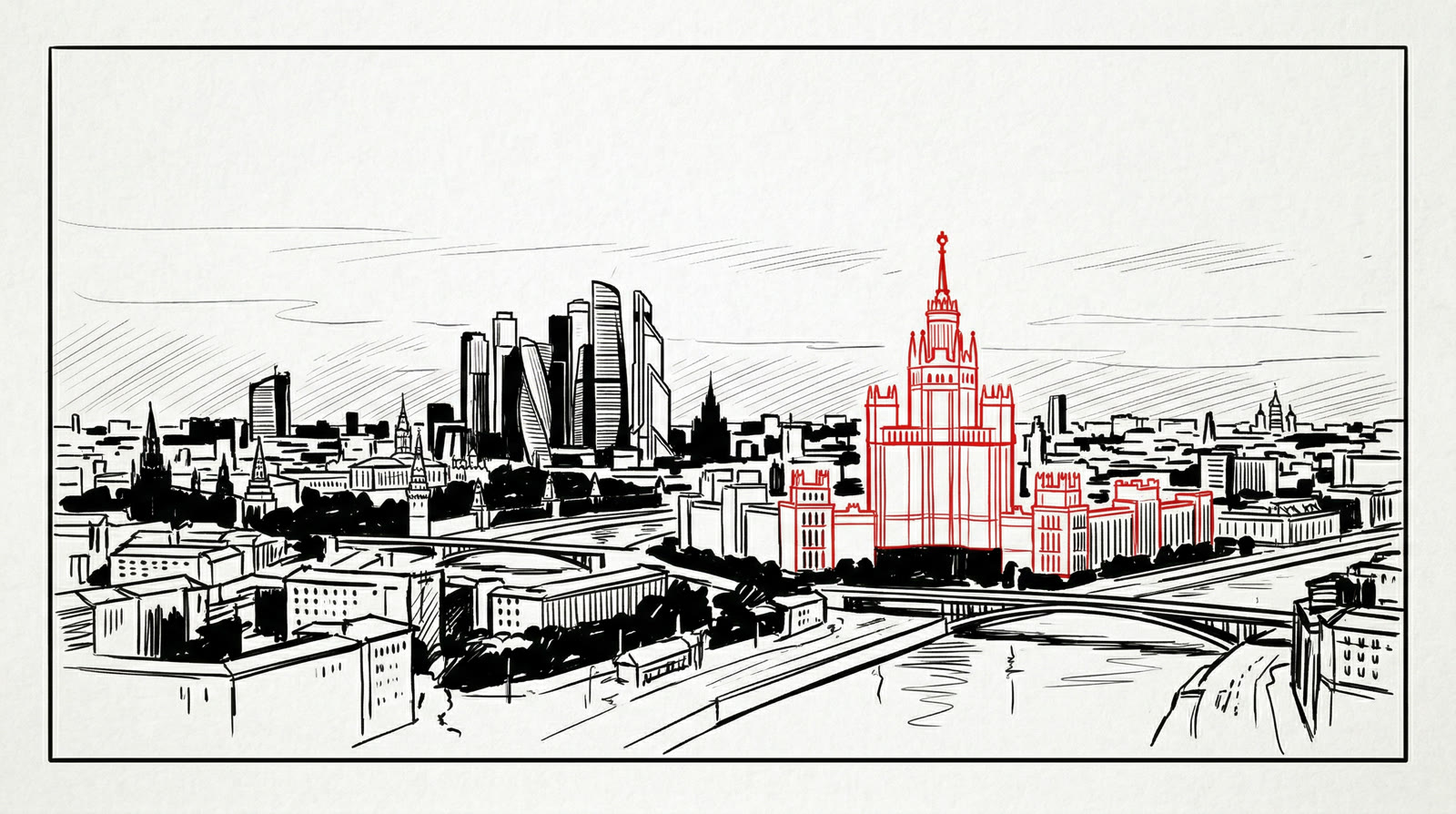
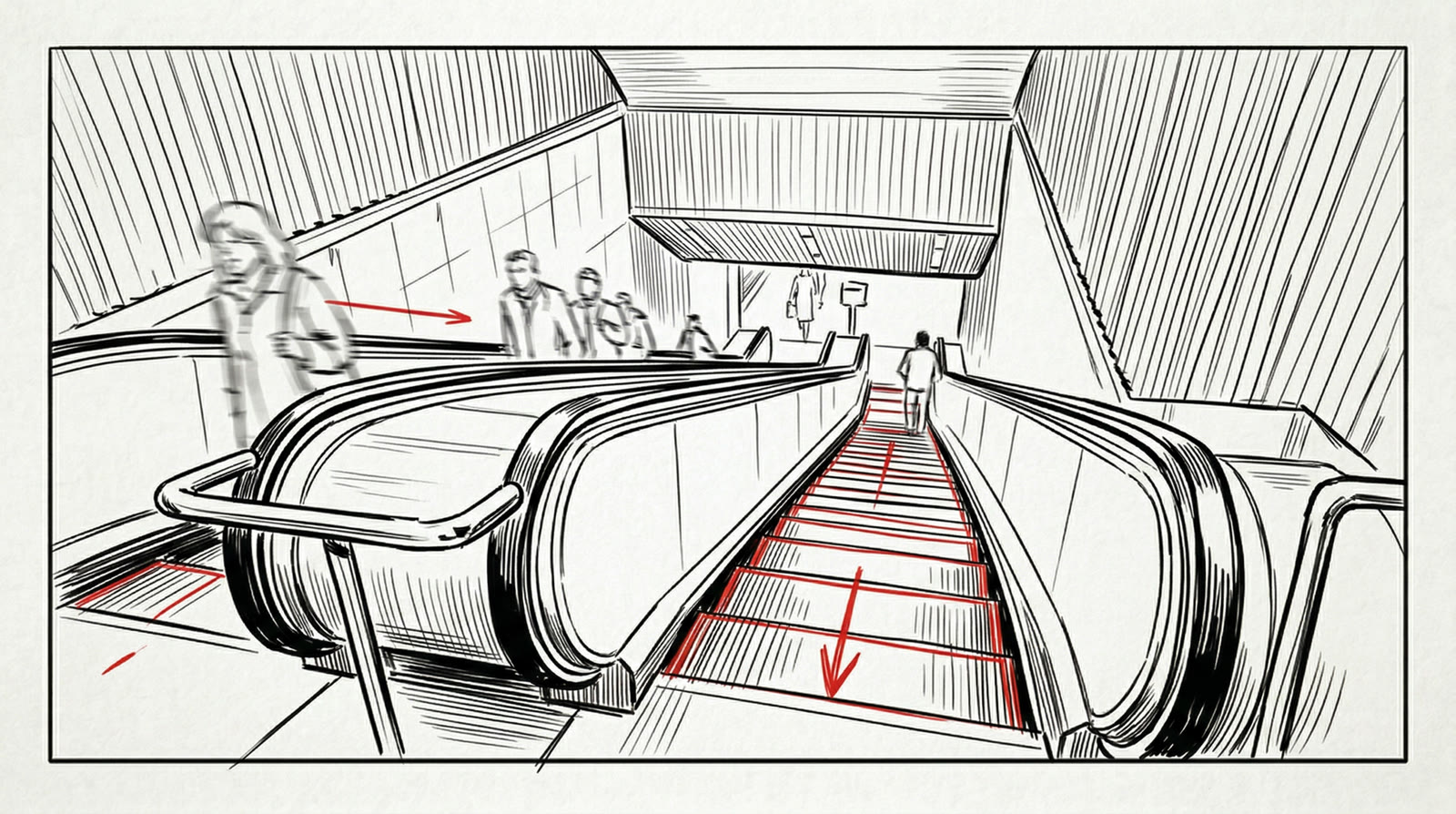
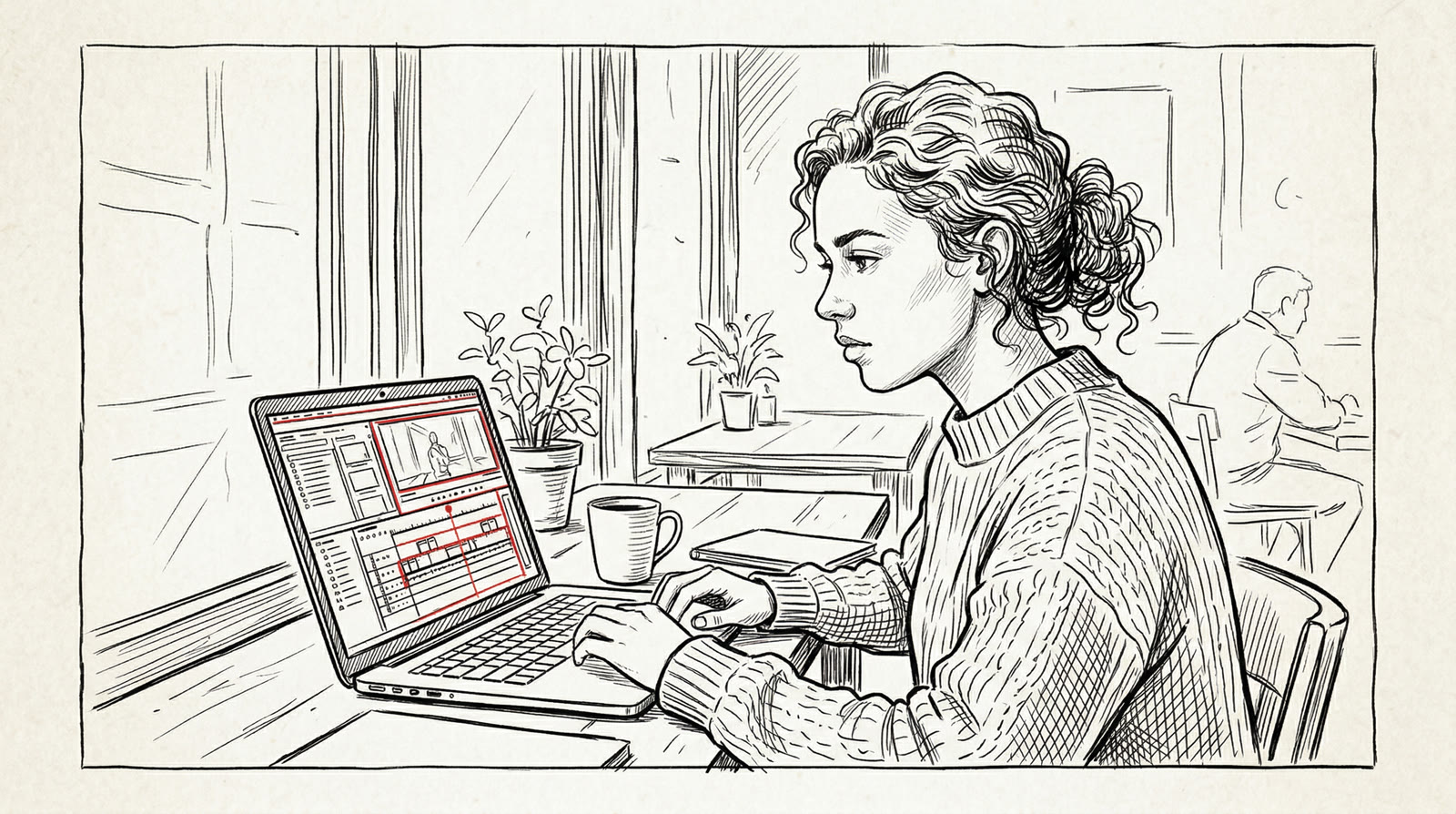
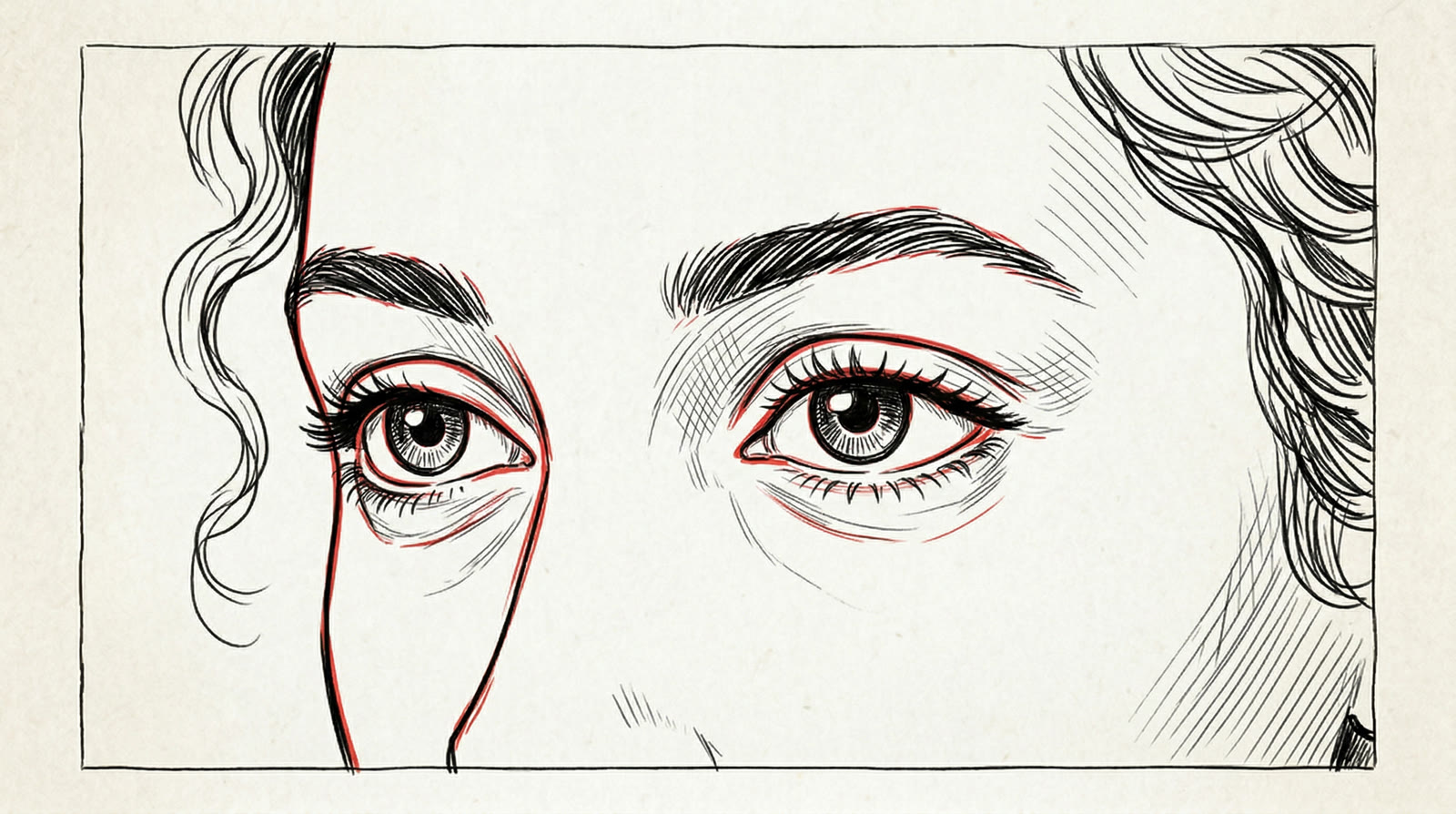
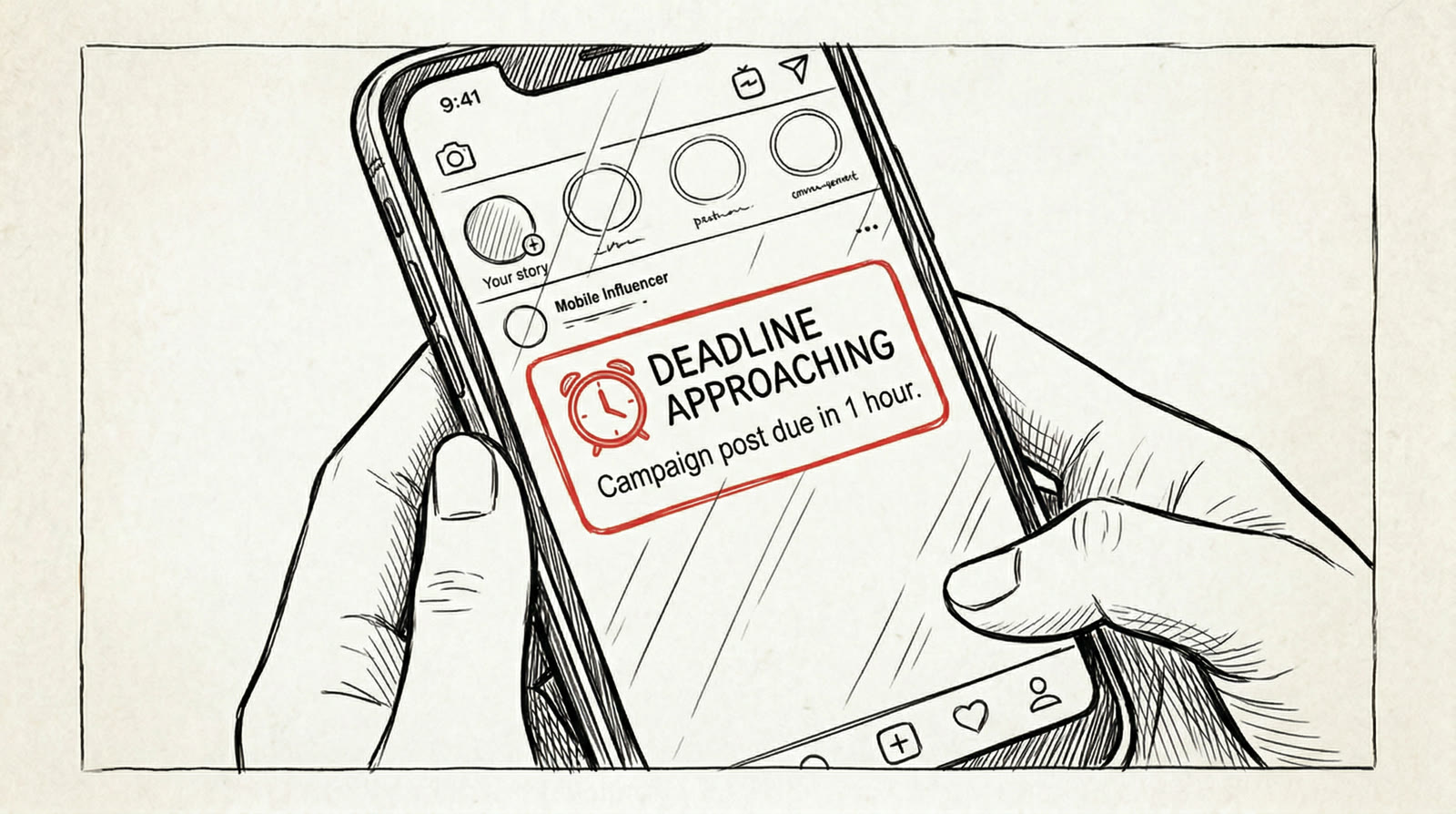
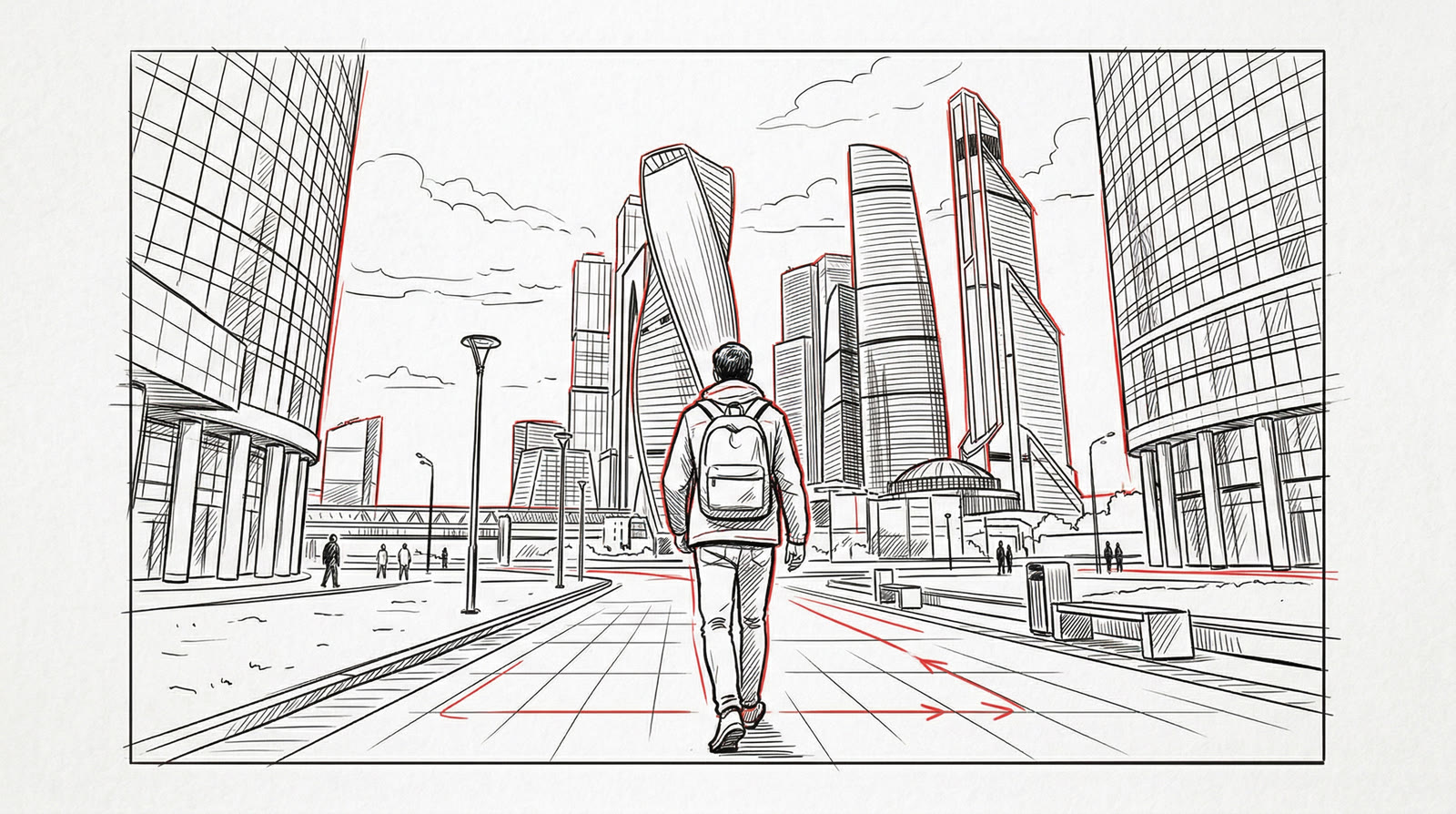
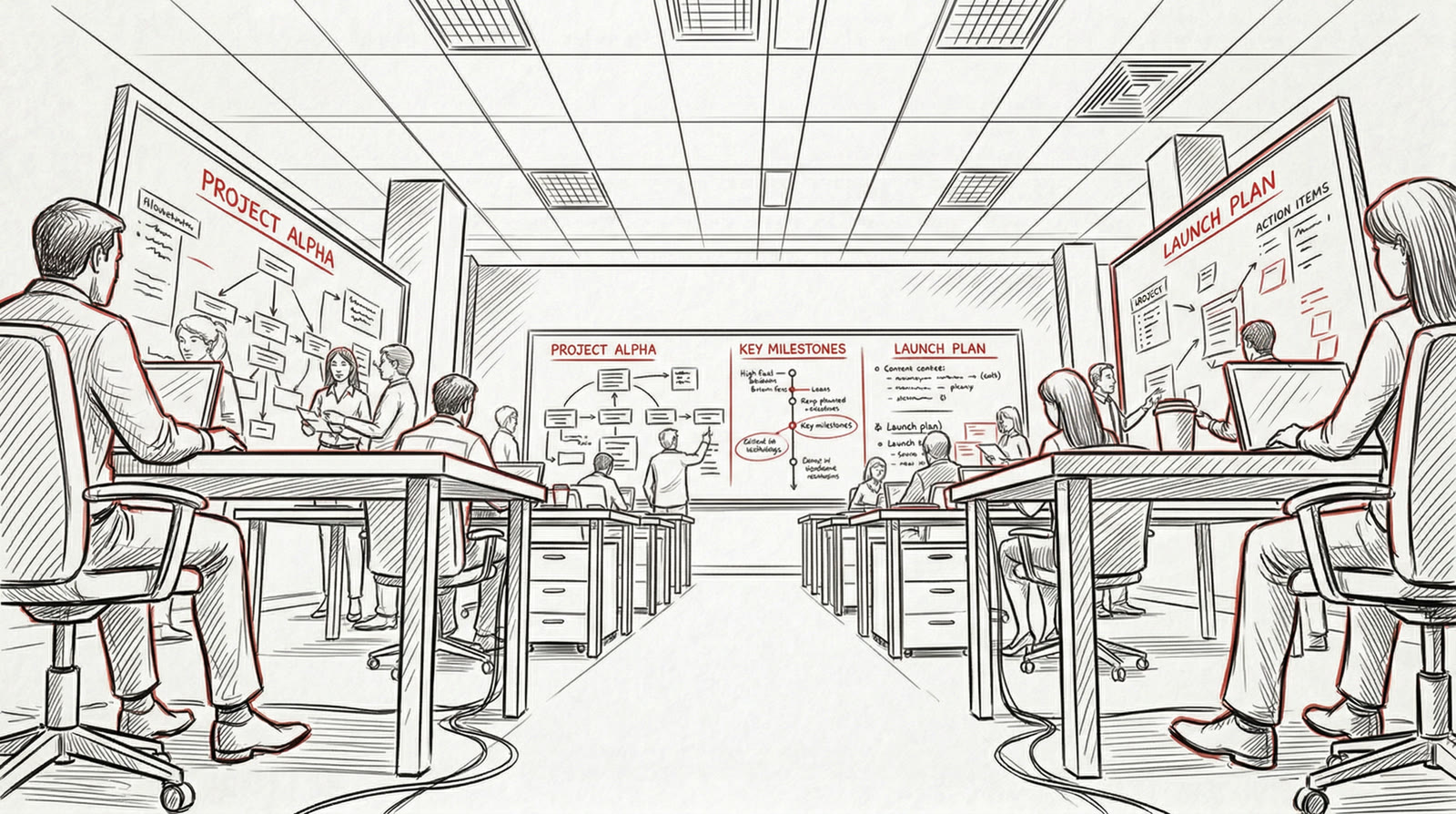
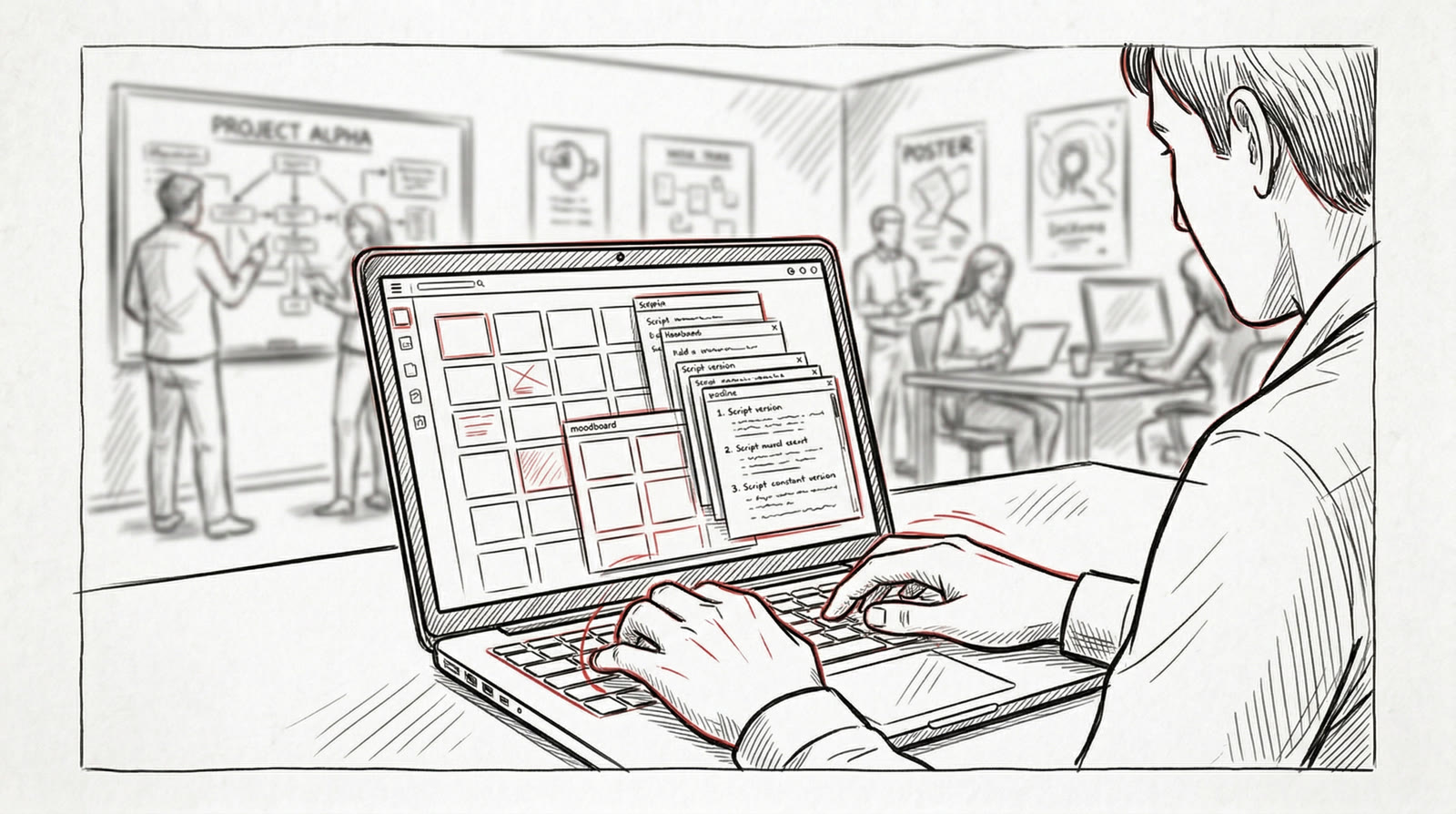
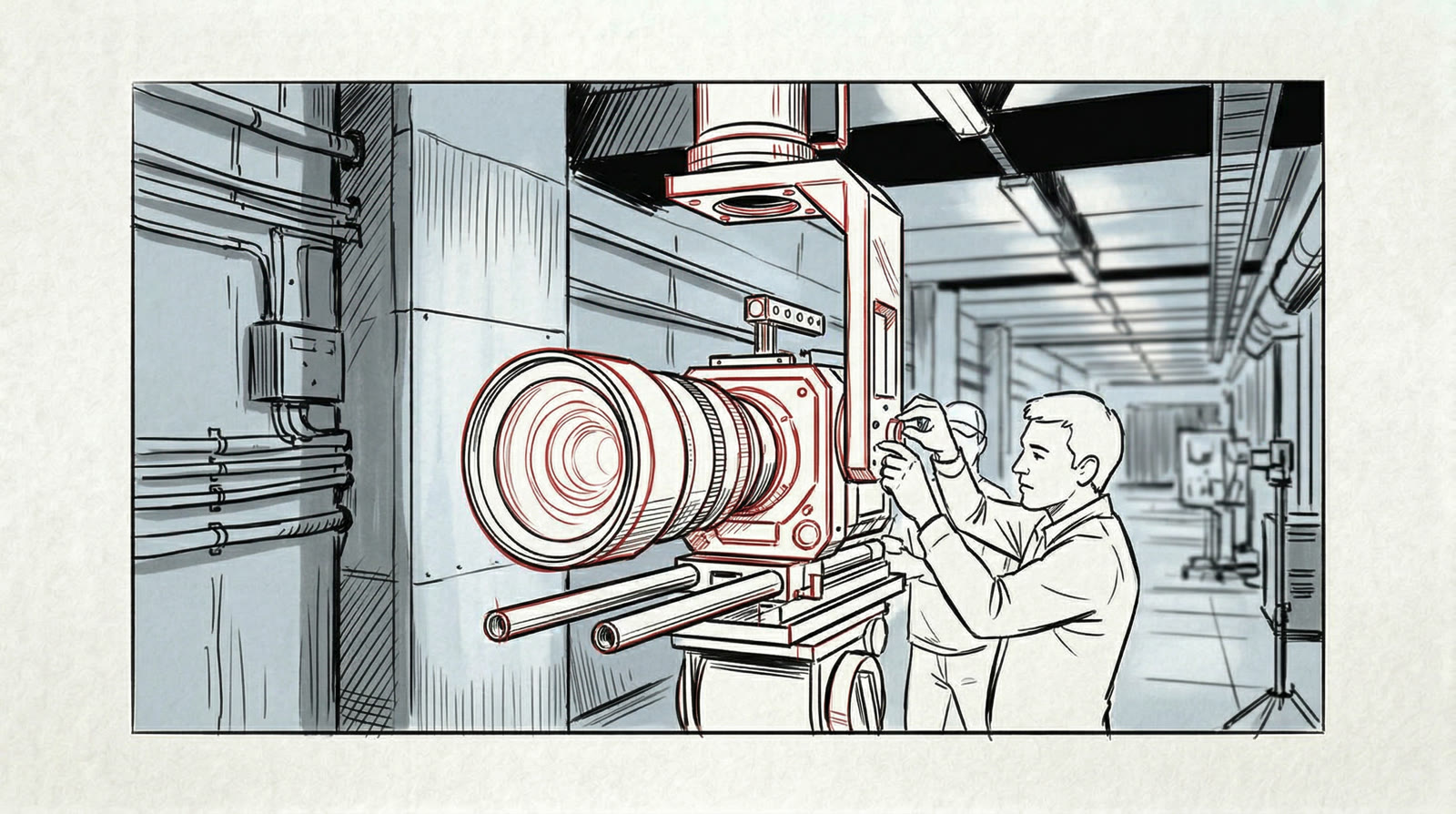
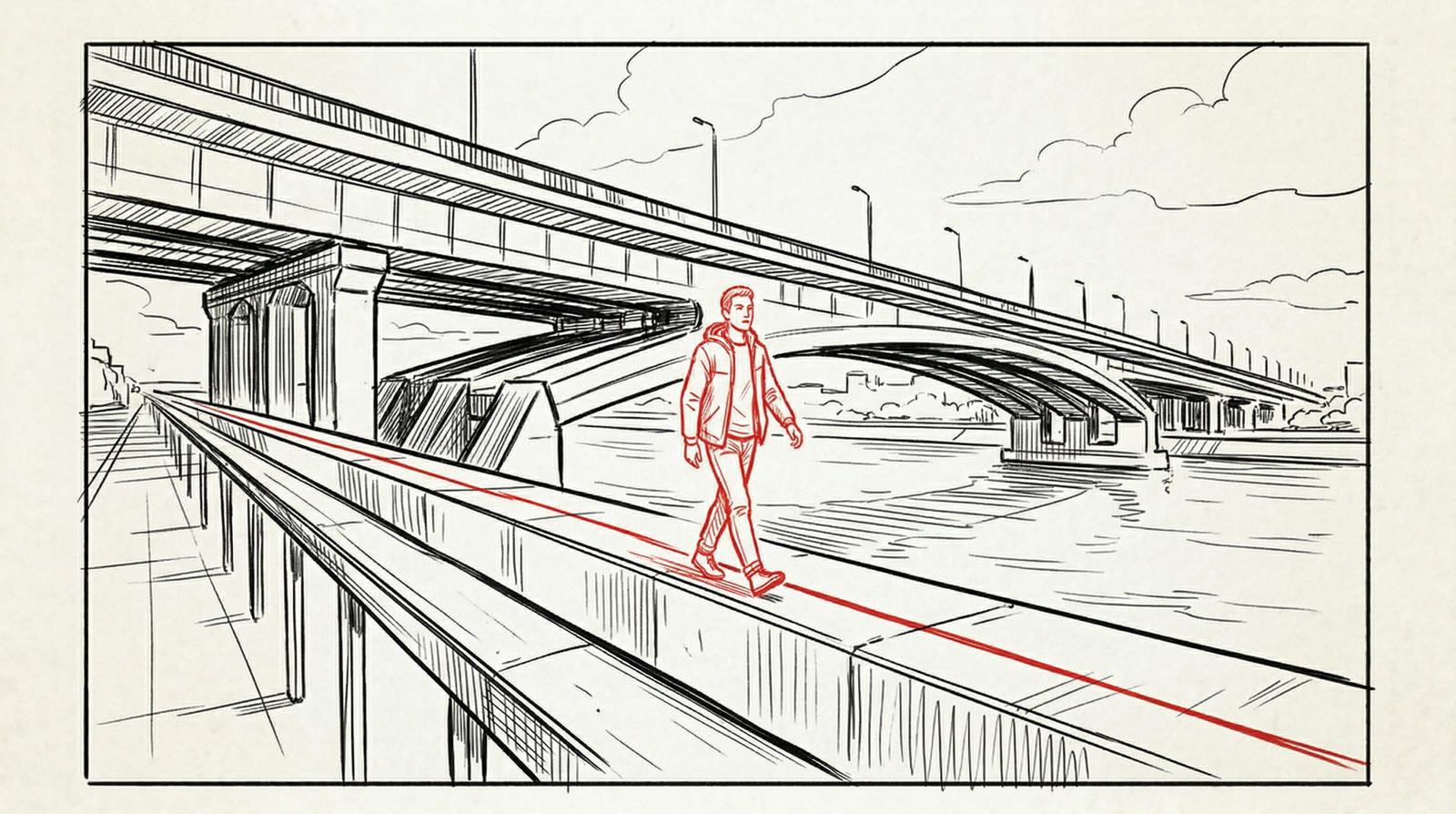
The storyboard is drawn in one hand for the whole spot: black line on white, with the key action of each frame picked out in red. It lets you sign off on the edit before a single image exists.
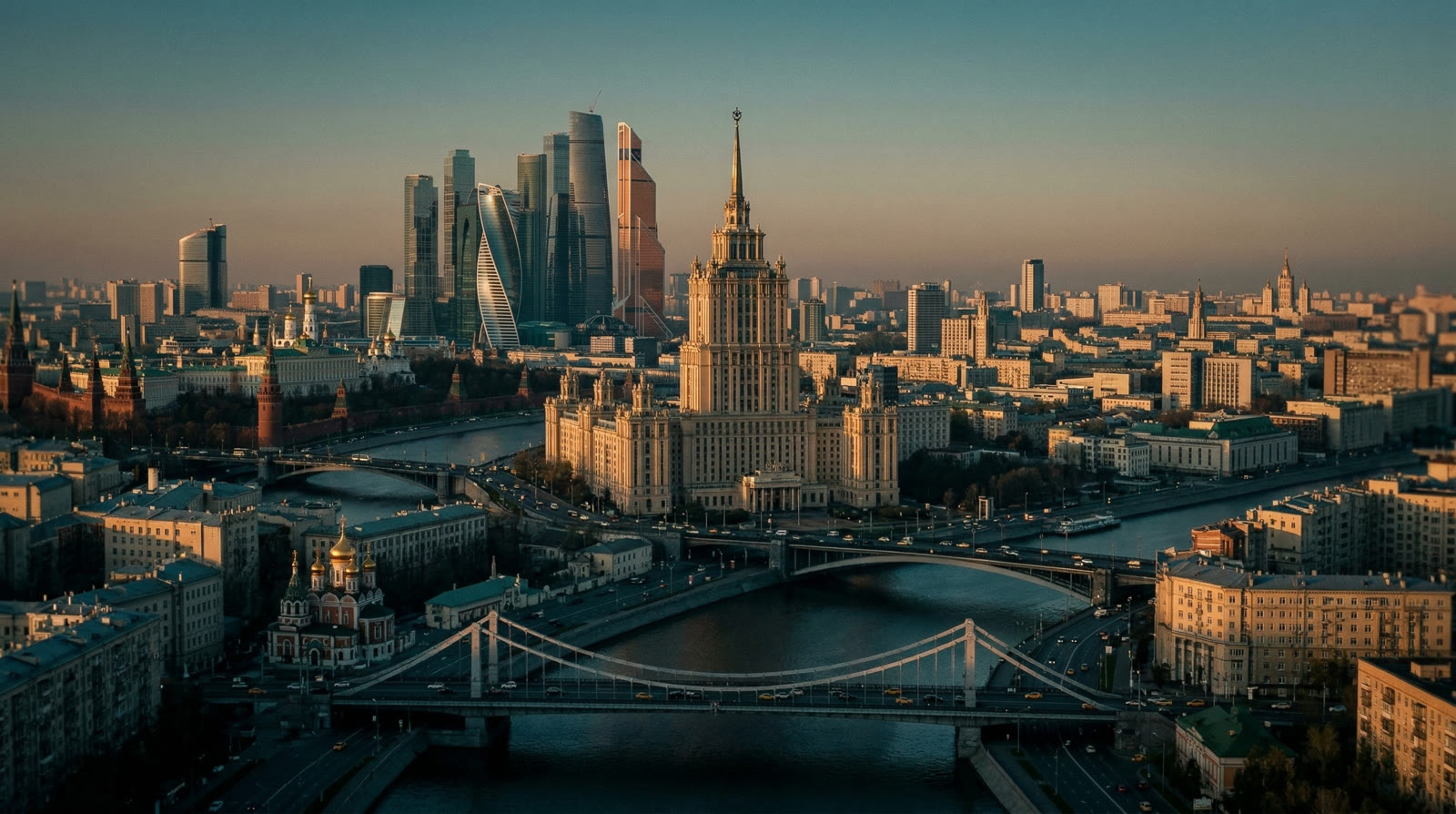
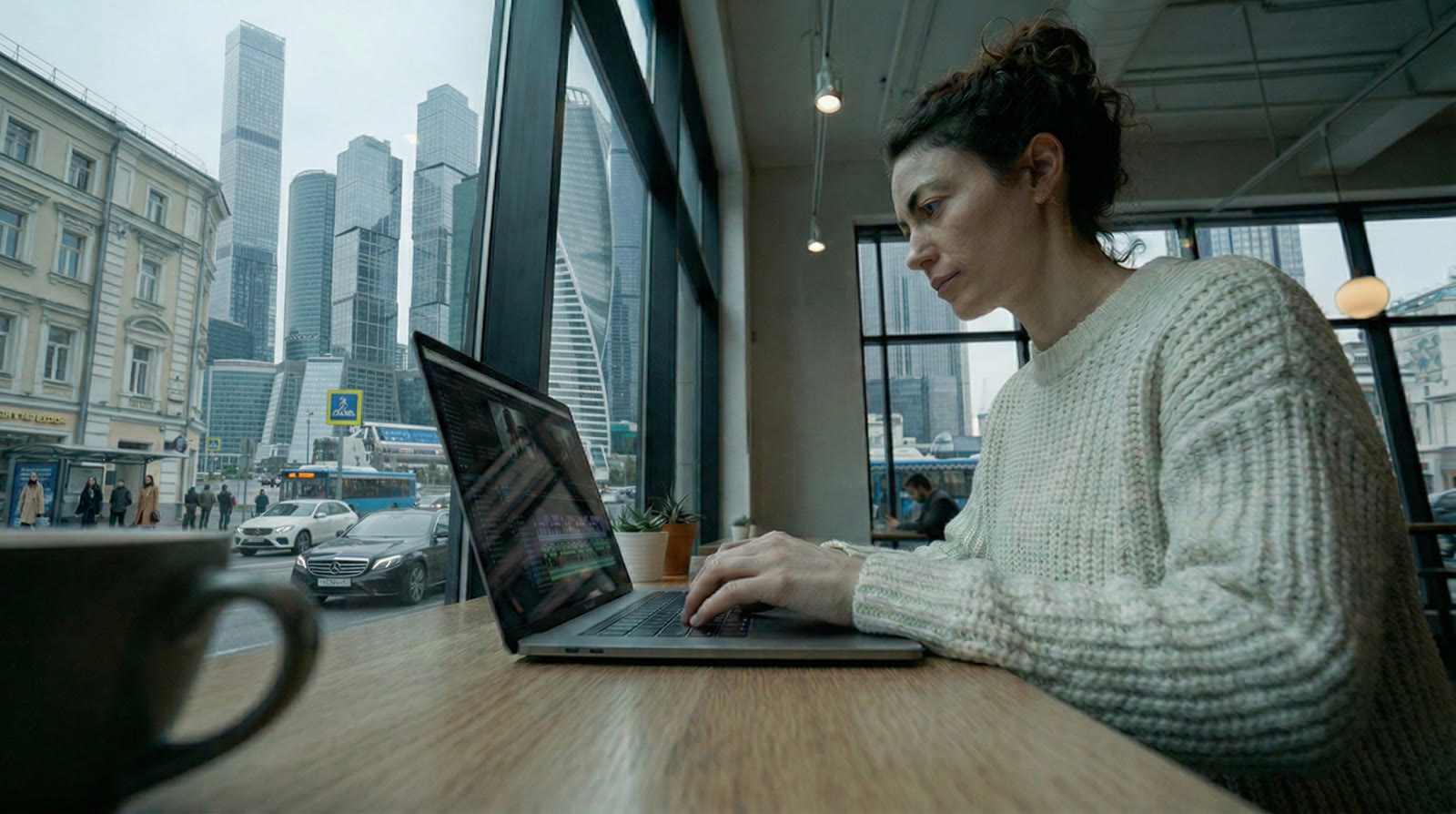
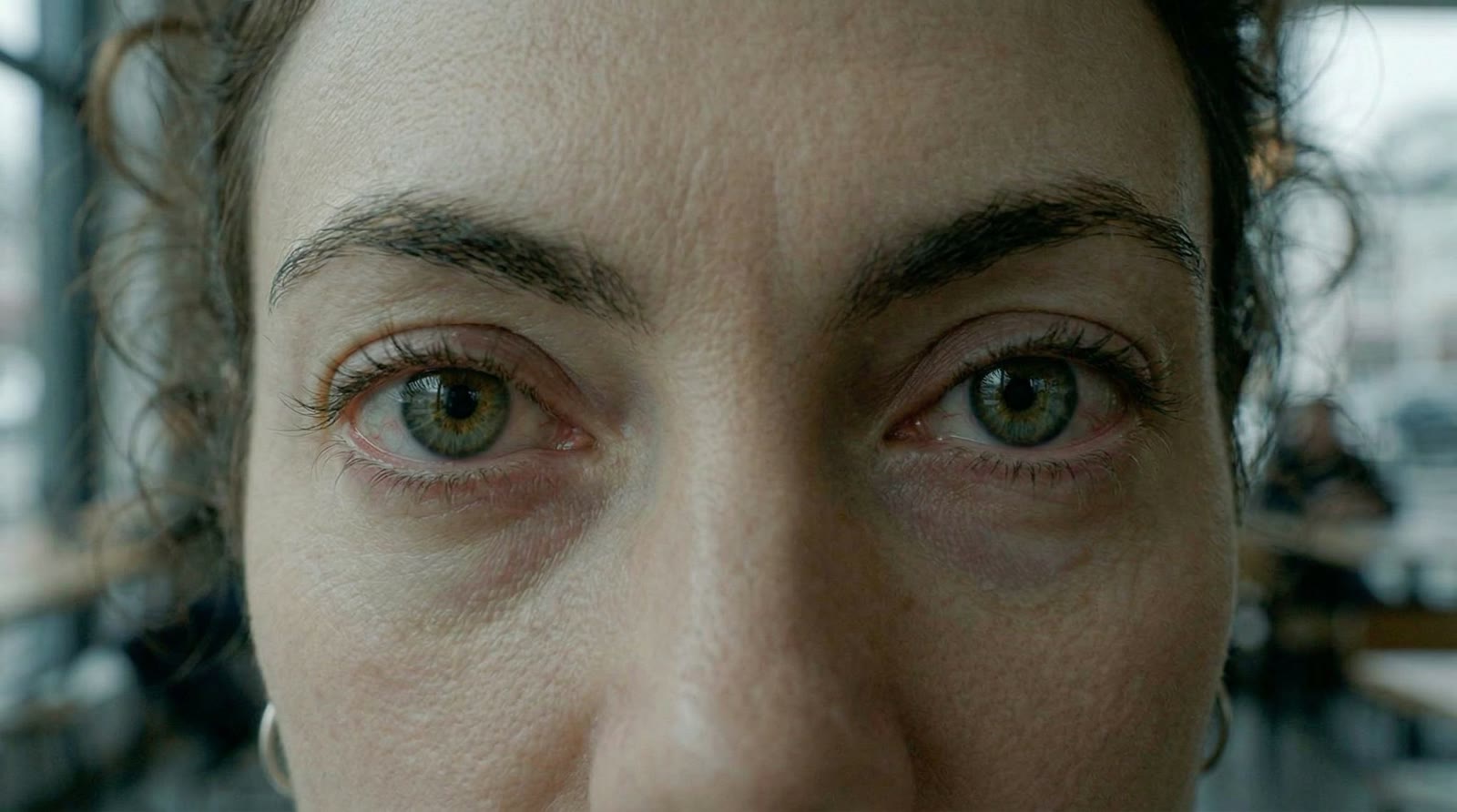
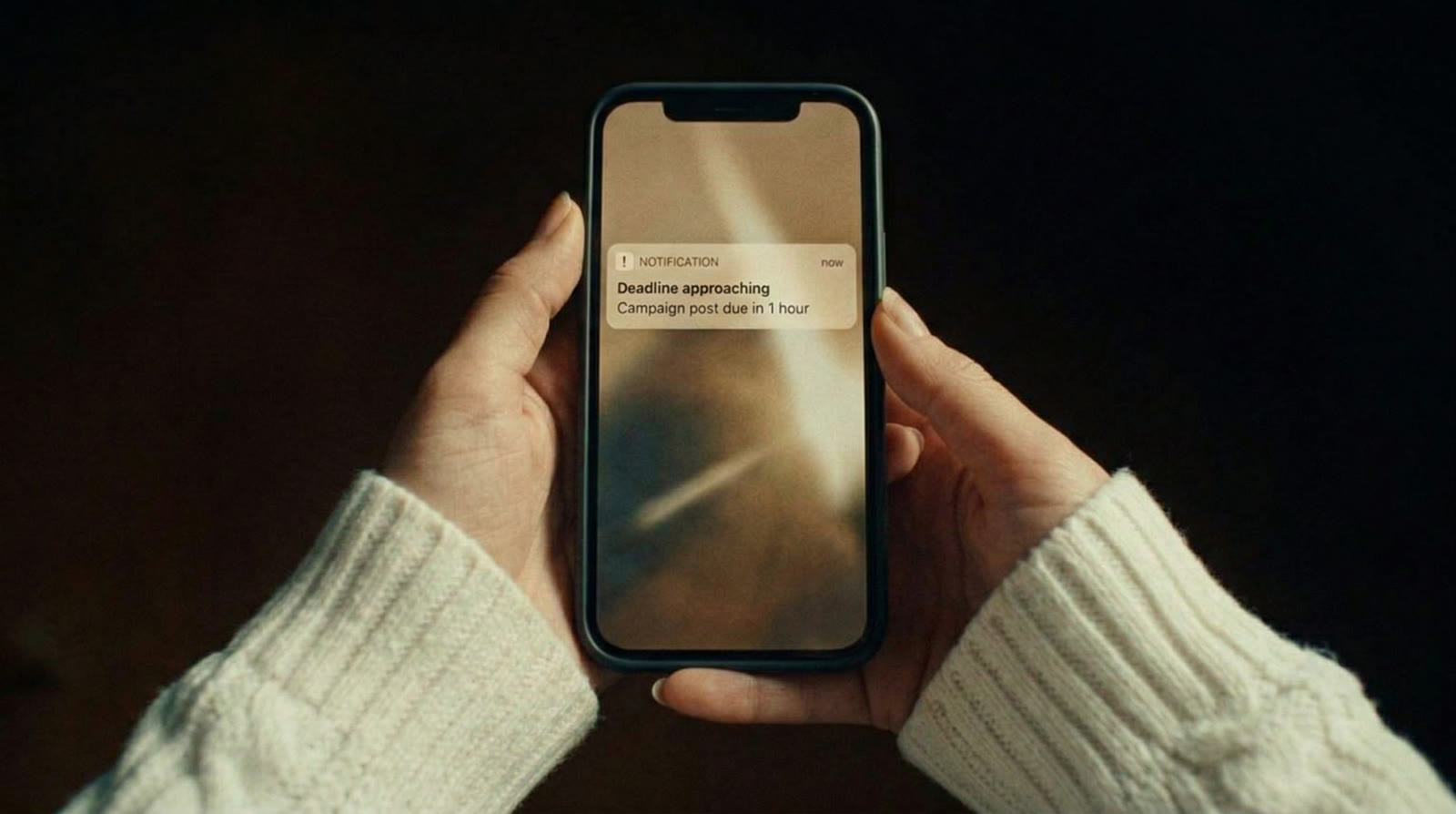
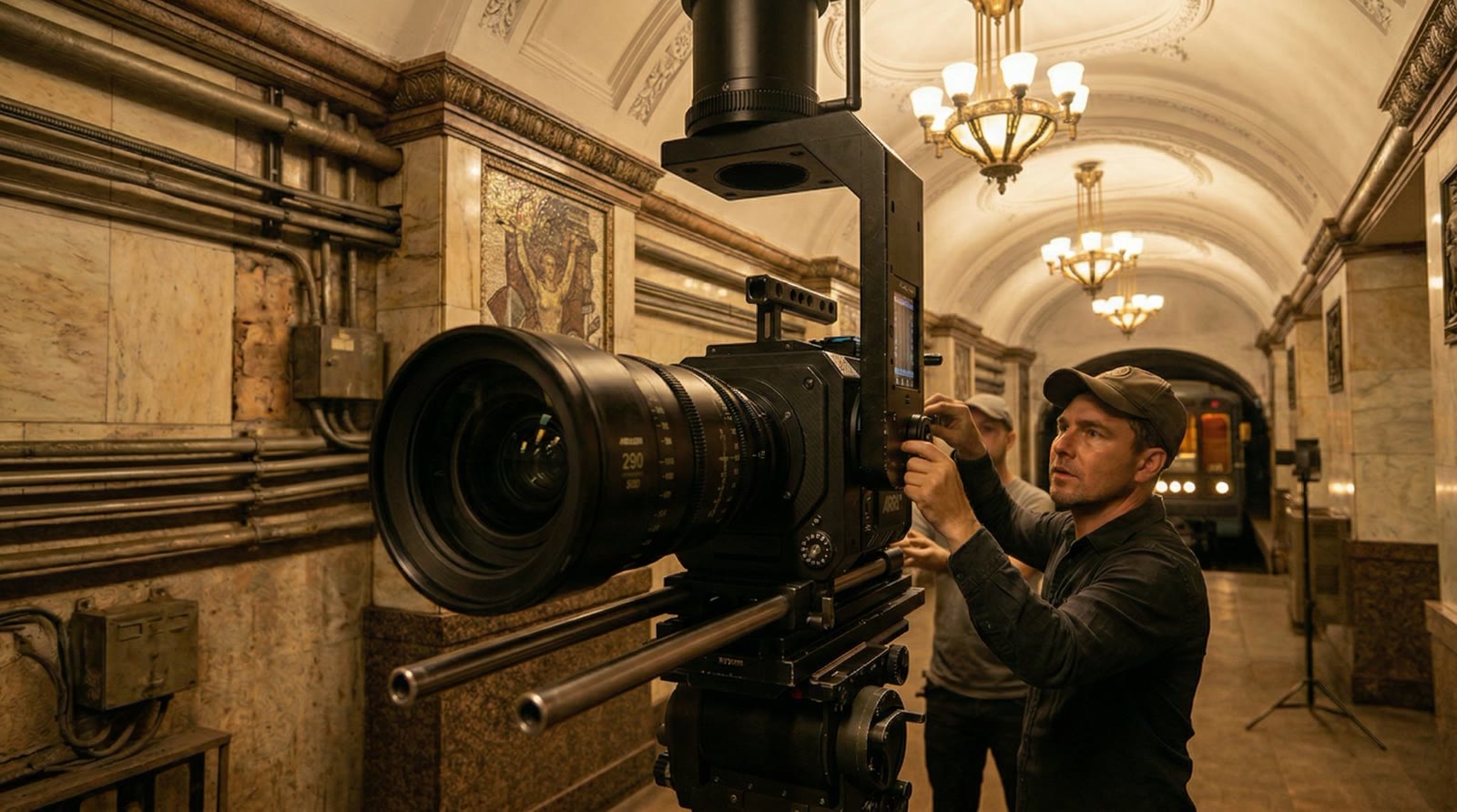
Stills inherit their look from the moodboard, both the global one and the per-scene refs: character, locations, color. So the woman at the café and on the rooftop is the same person, and the city keeps the same weather and the same light. Video brings an approved still to life: the prompt describes only the motion, so the composition stays put.
Any shot can be tweaked in plain words, regenerated or swapped for your own footage. Earlier versions never disappear. The test piled up 84 of them, and every one is a click away.
06
Shot by shot
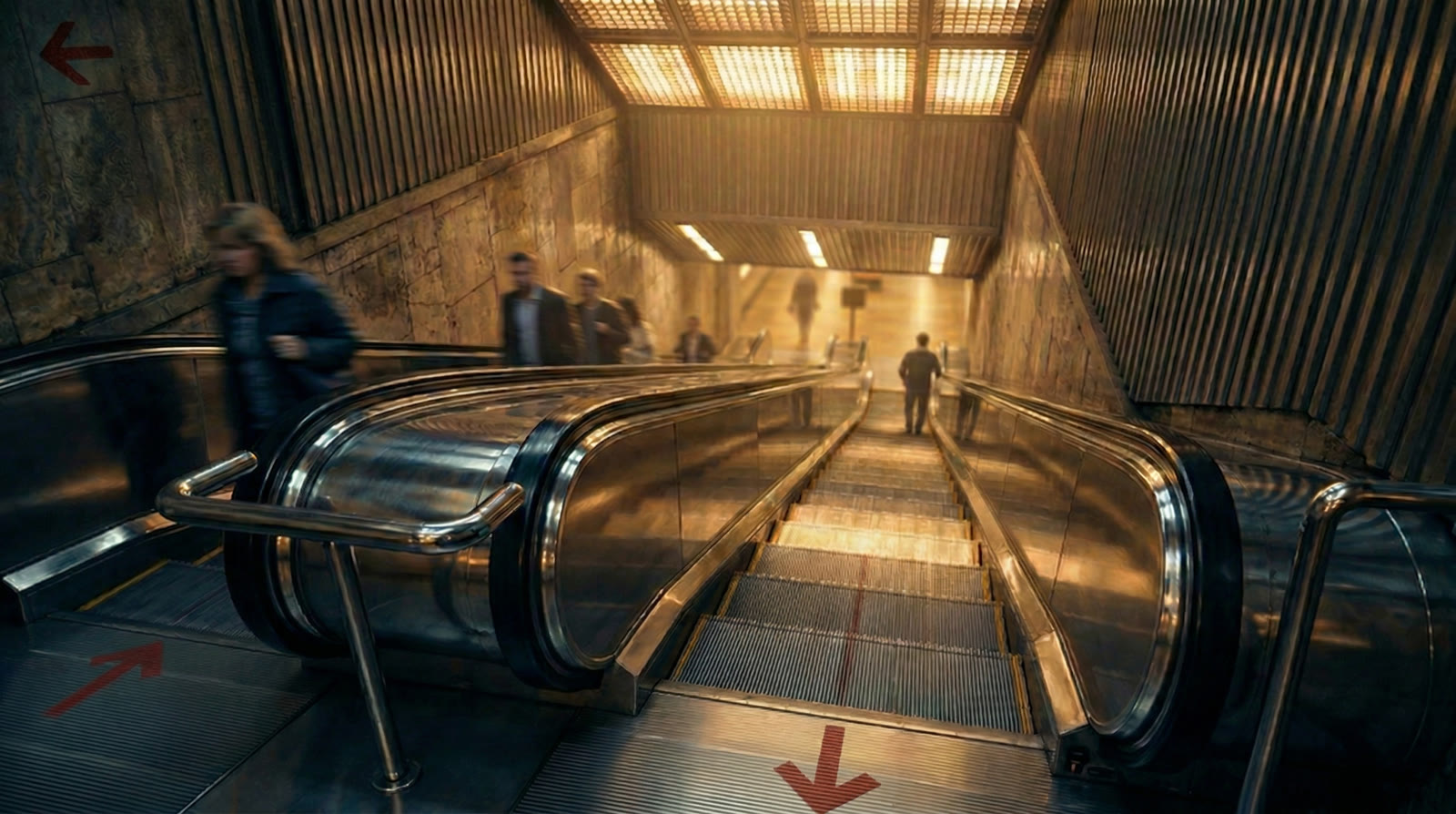
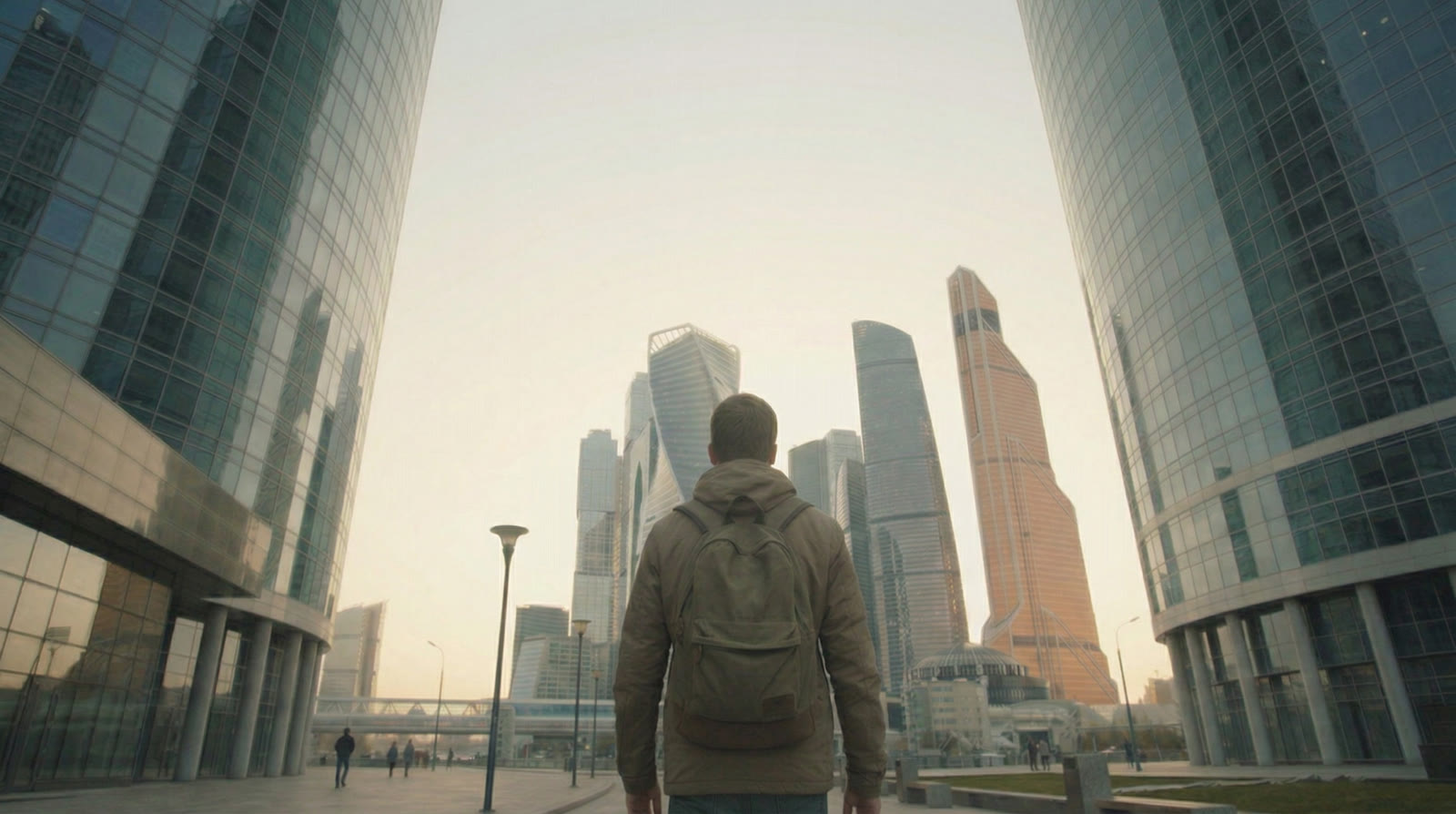
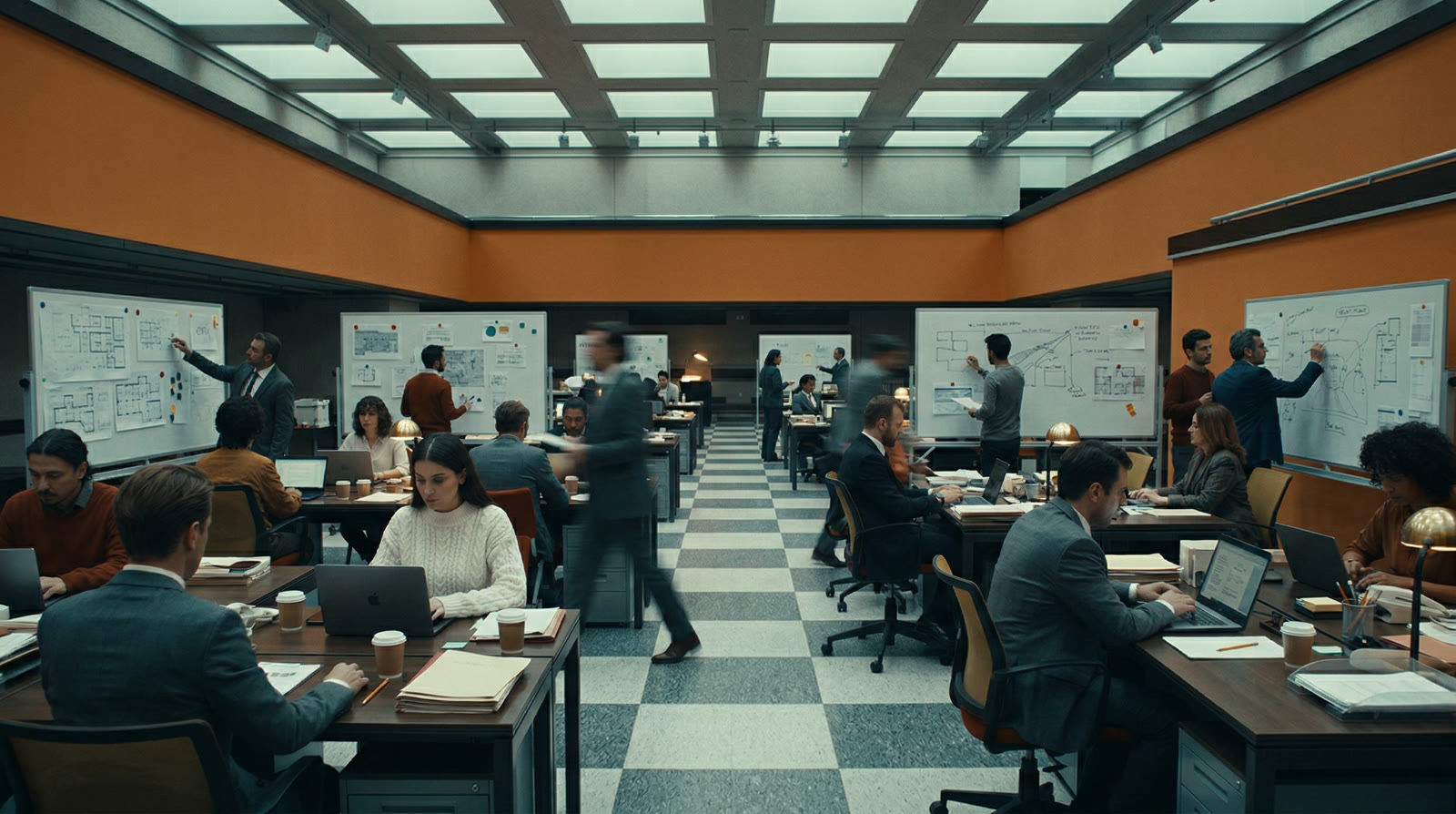
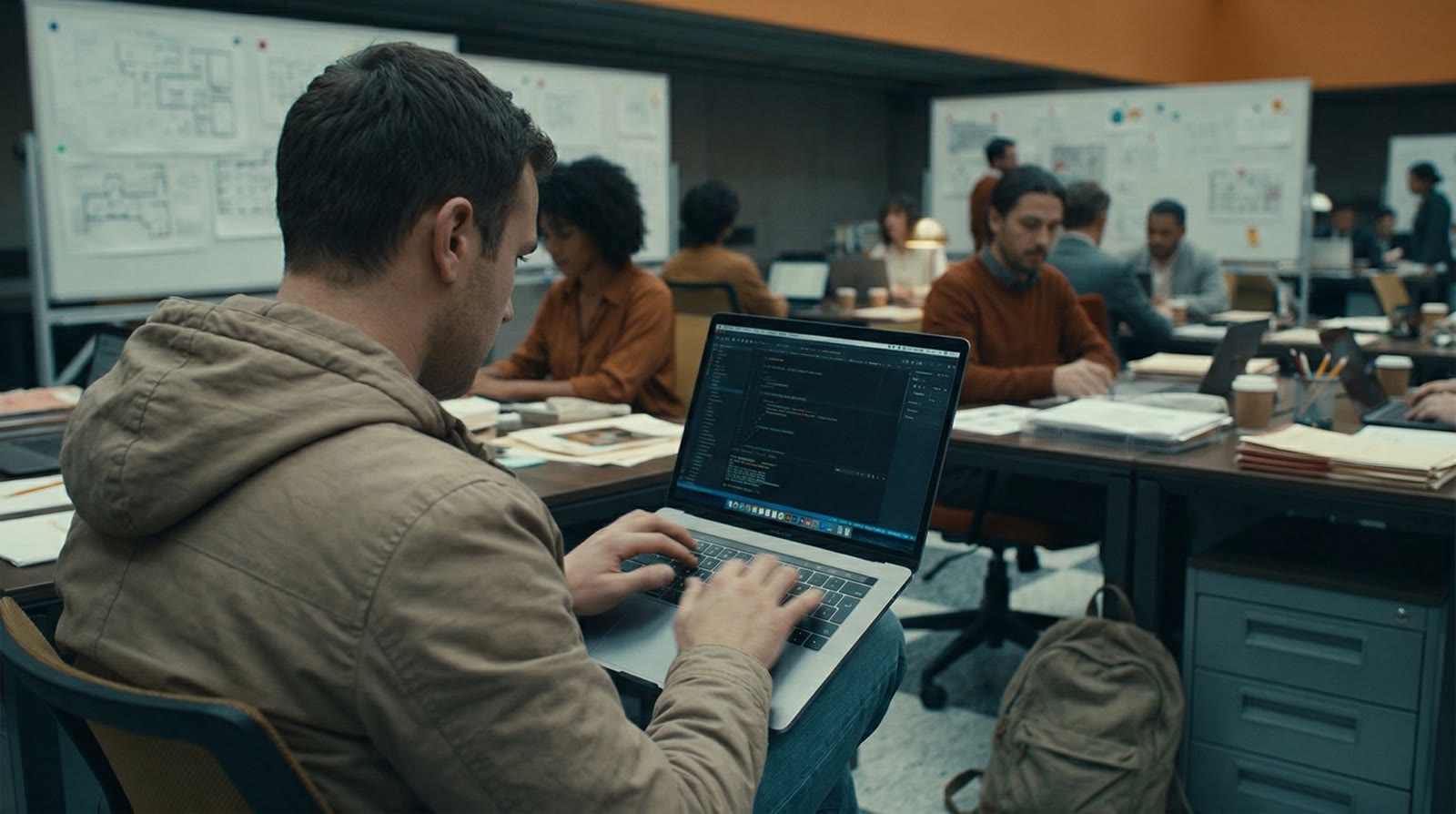
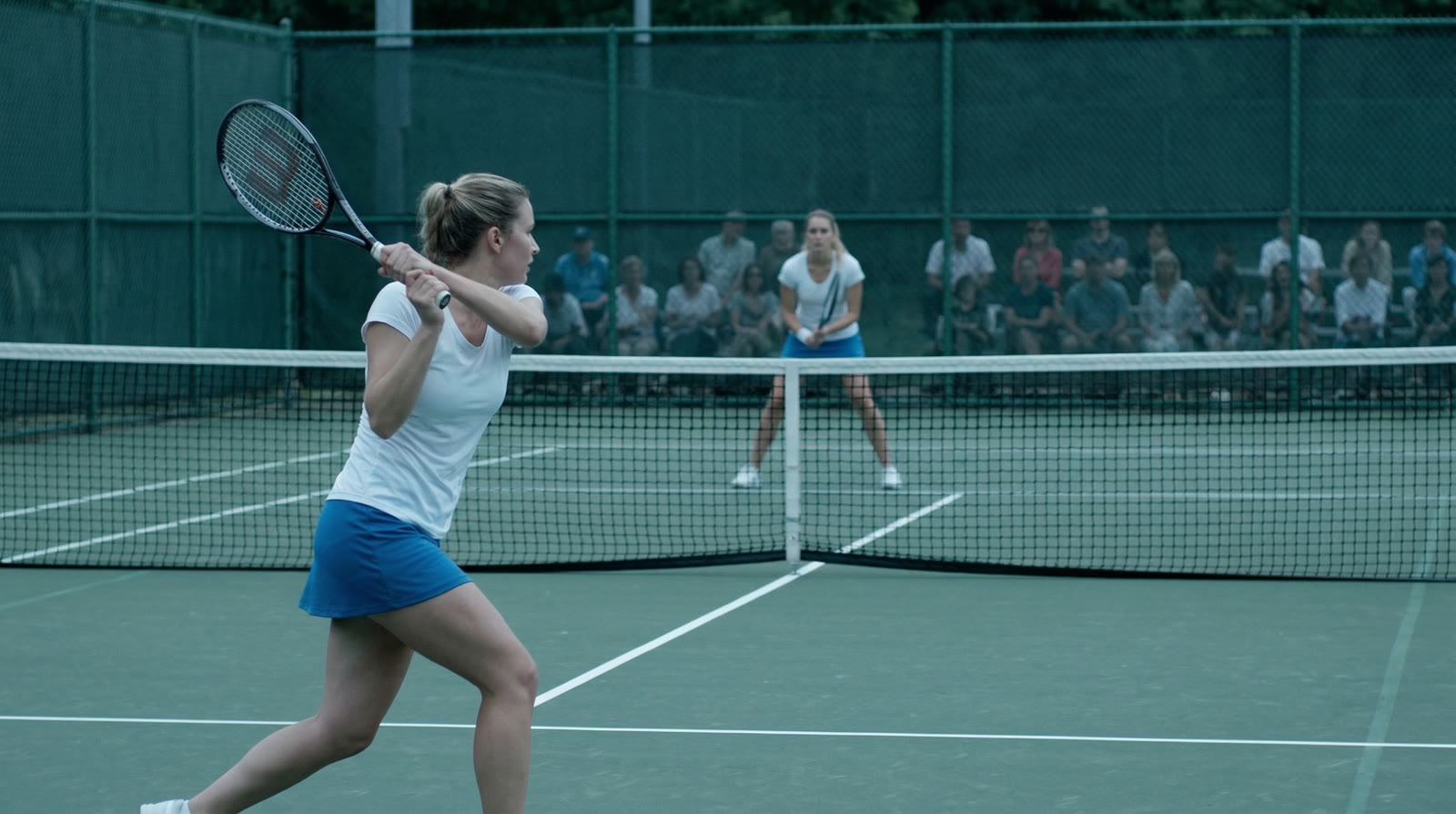
Fourteen shots from the test, at three stages. Switch between the storyboard sketch, the still and the video.
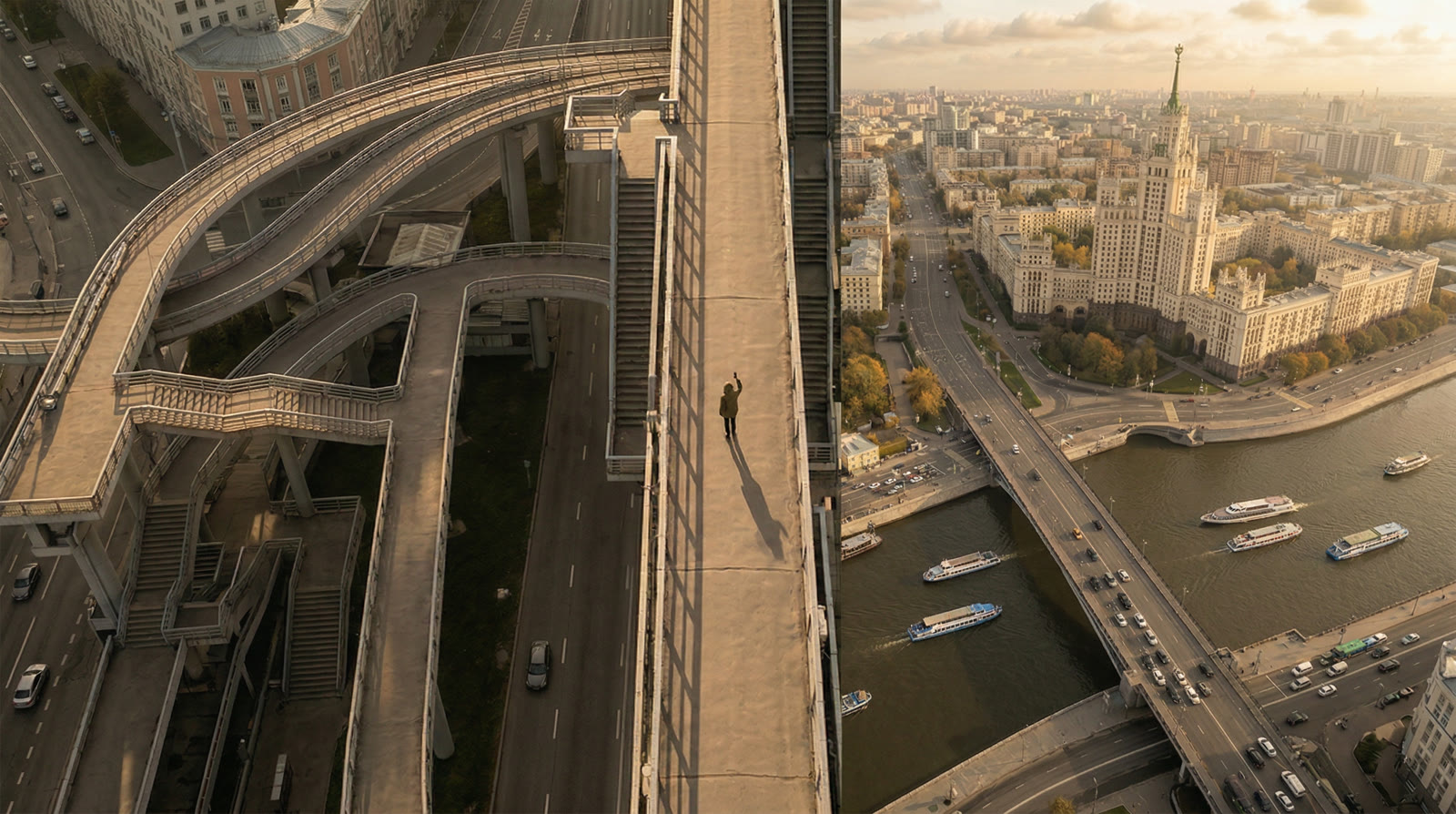
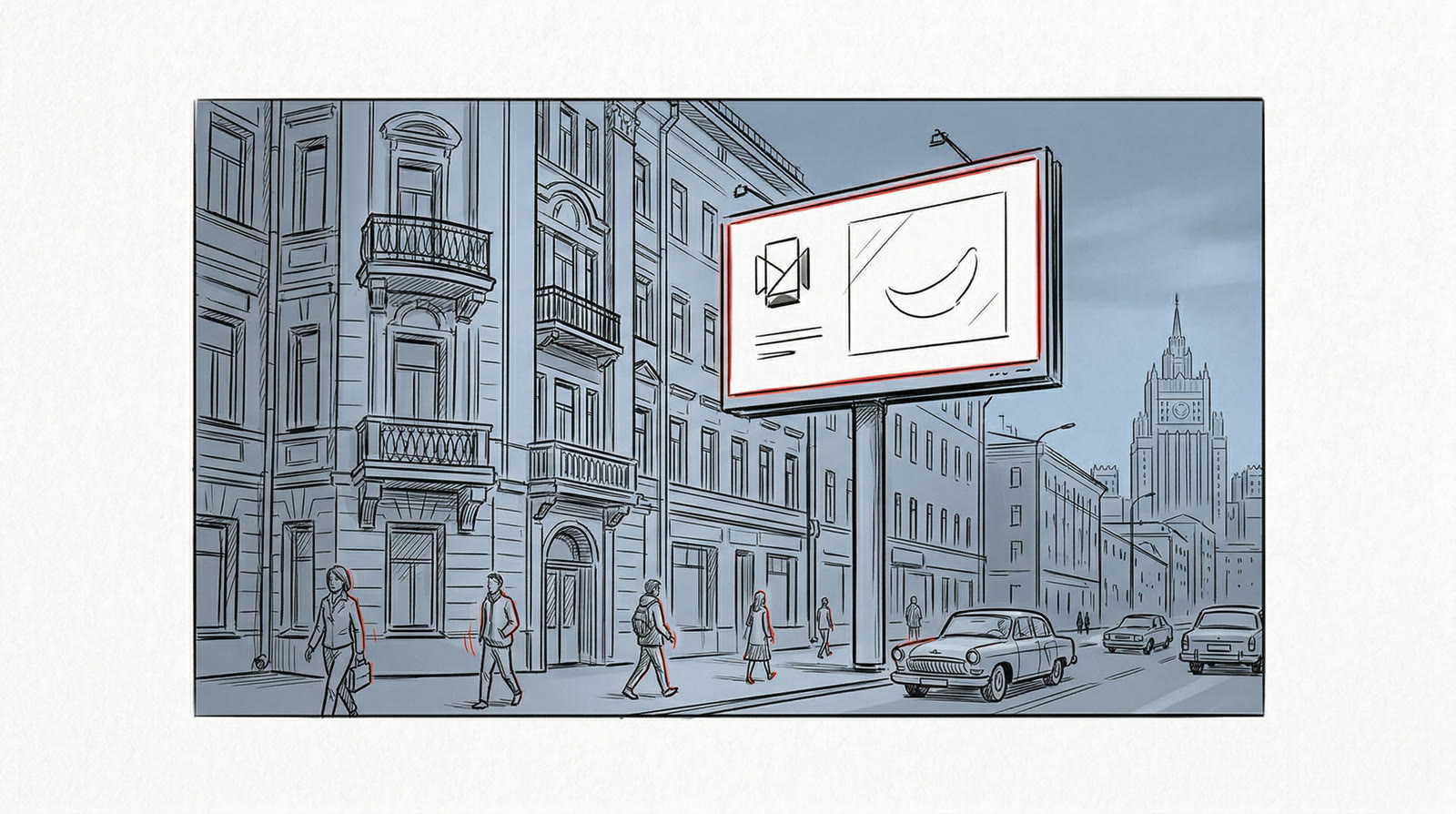
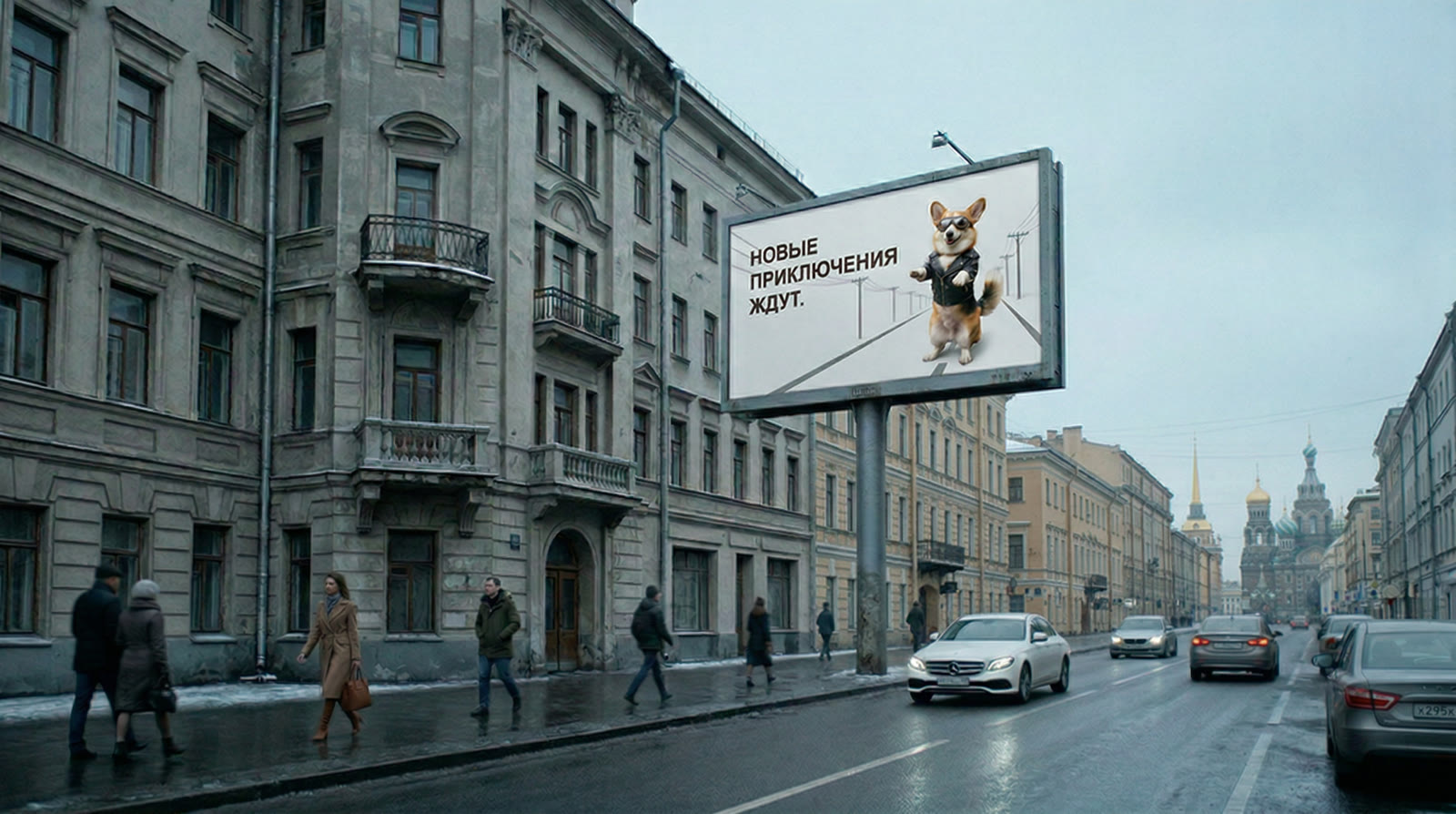
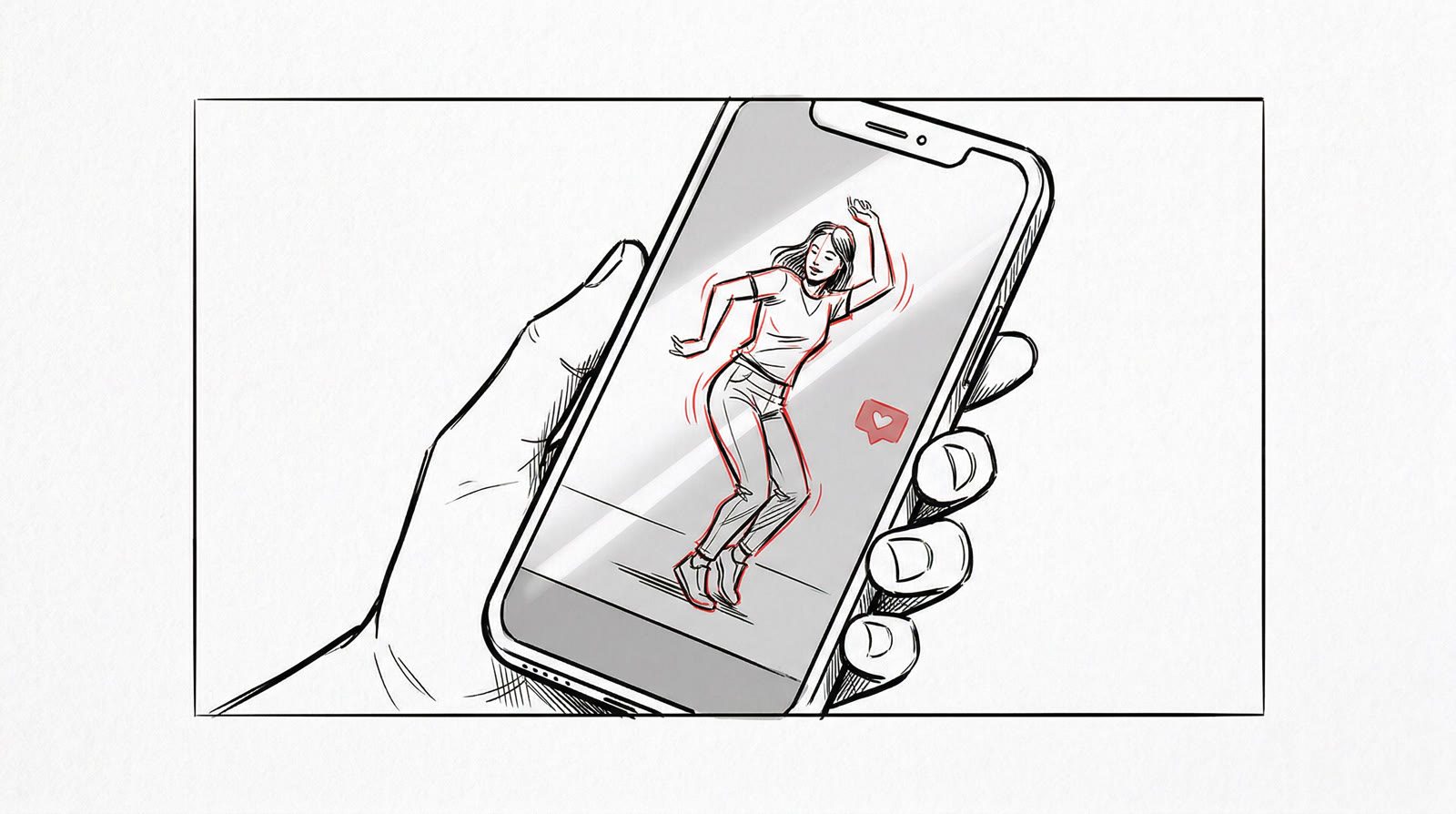
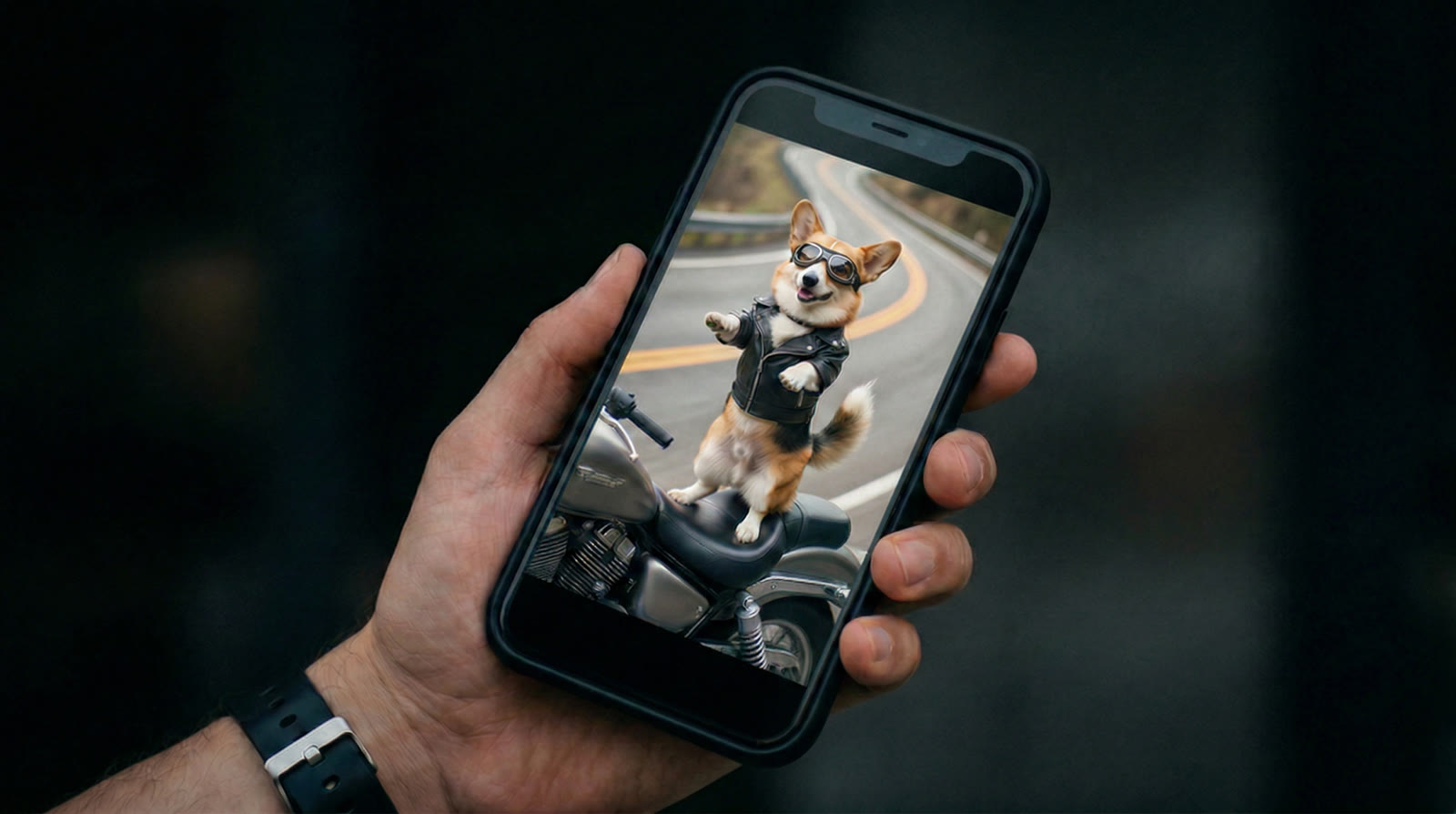
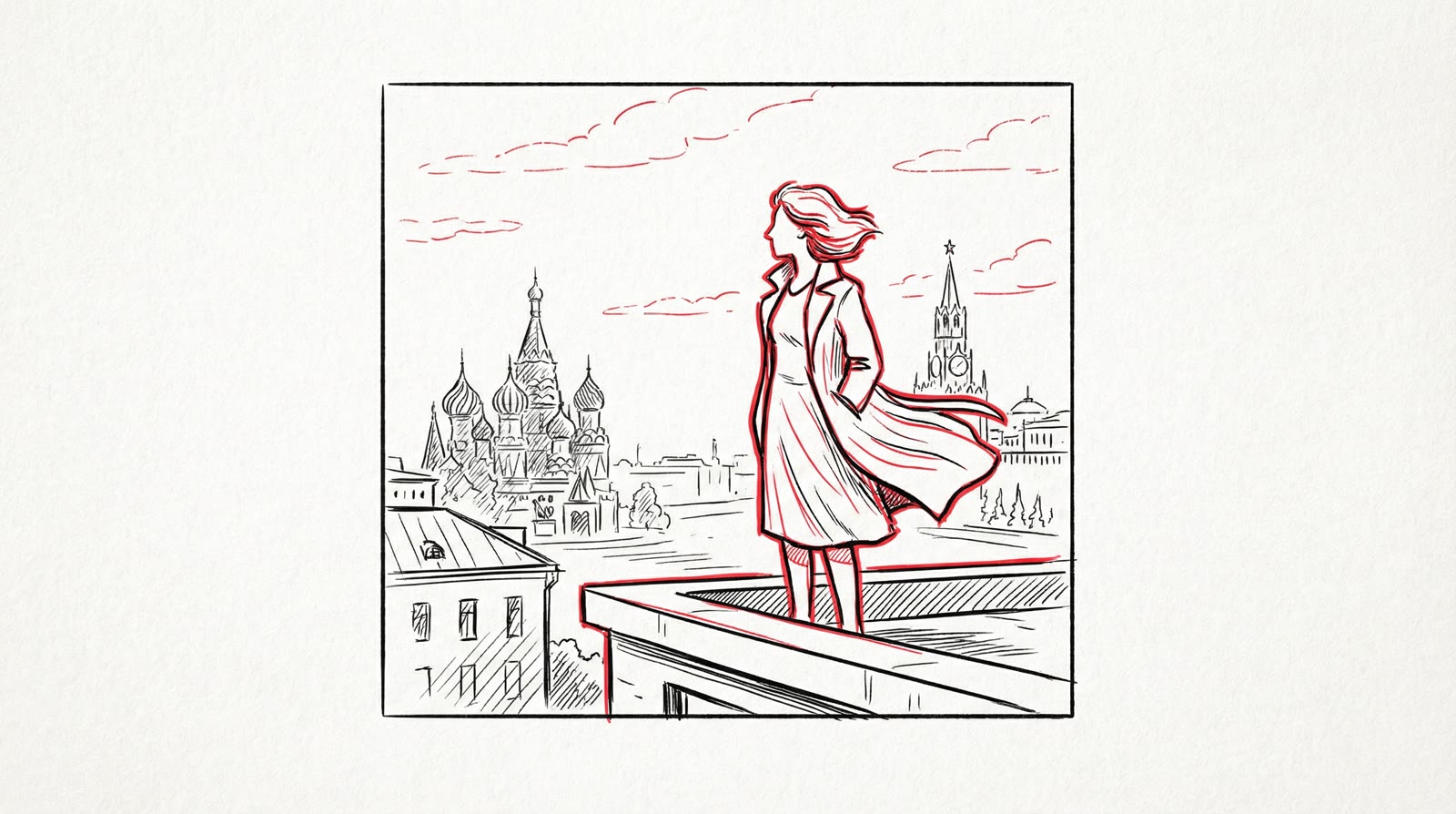
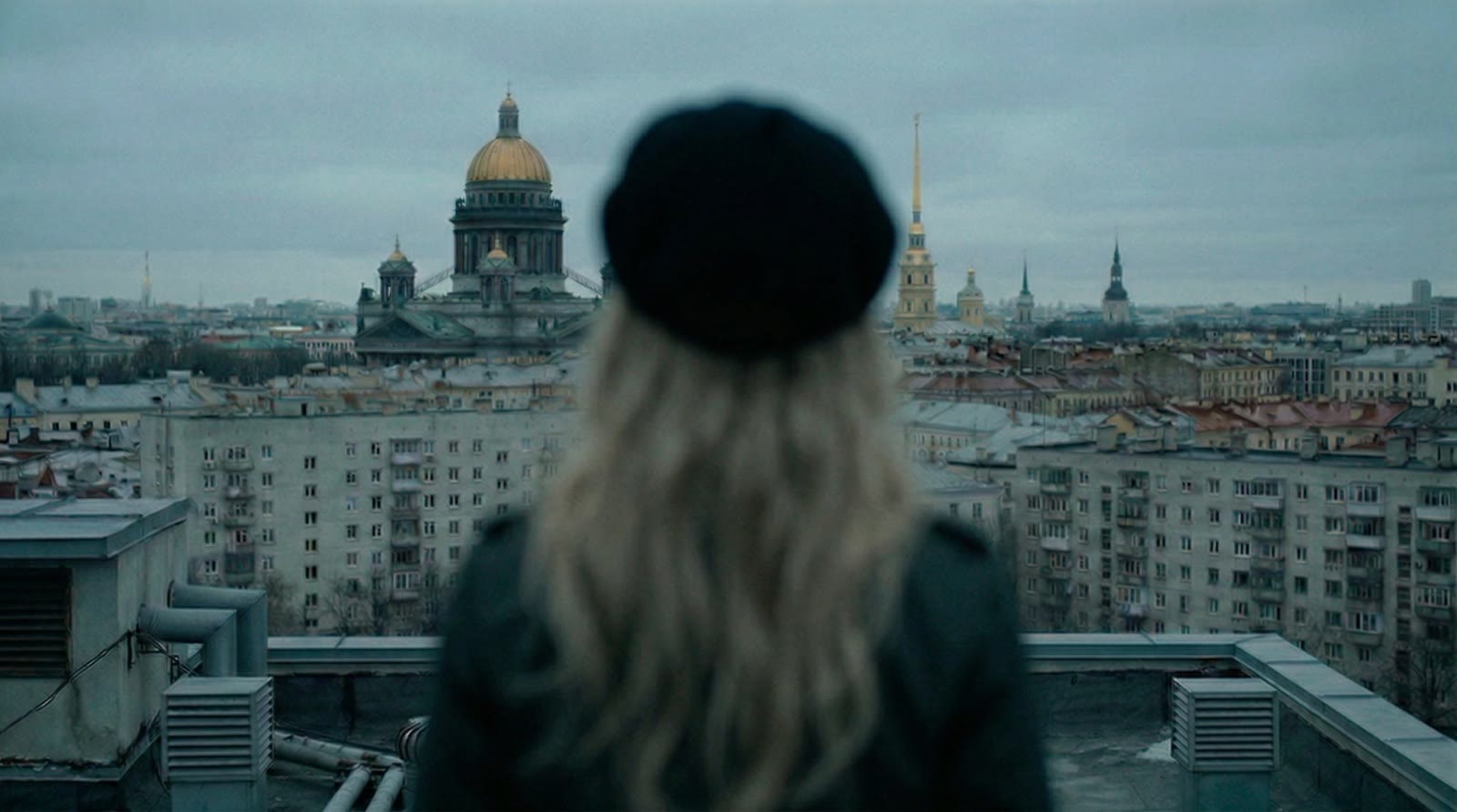
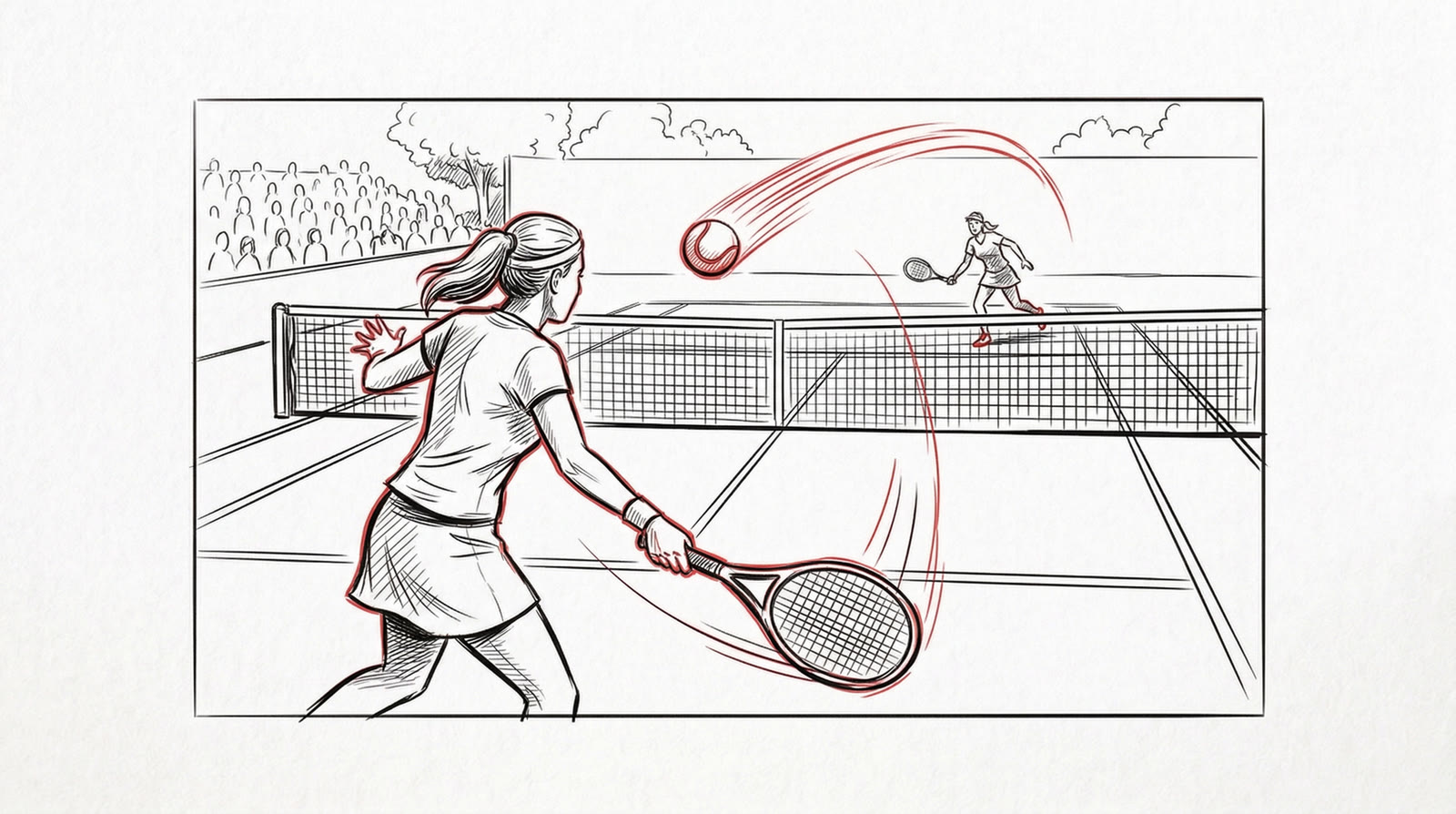
07
Test film: “AI Is Already Here”
To test the tool on a real job, I ran it on a brief for a manifesto spot about AI production: the city wakes up, a creator drowns in edits and deadlines, and a new kind of studio blends live shoots with AI. Seven scenes, nineteen shots, a documentary feel: natural light, handheld camera, no sci-fi.
The whole generation took 40 minutes. A person supplied only the inputs, the brief and the references; the tool did the rest. It flagged which shots to shoot live, which to build as composites and which to make entirely with AI. The spot at the top of the page is cut from the project’s shots, voiceover and sound included. The same project works as an animatic too: something to take to a DP, into a budget and through sign-off.
08
Where it fits
Shoot pre-production: a storyboard and animatic in days, not weeks, plus a clear list of what to shoot and what to generate. Pitches and tenders: the client sees the spot before there’s a budget. Fully AI spots: the same stills become the final video, with the script, storyboard and edit already done.